
01
Upload one clear photo
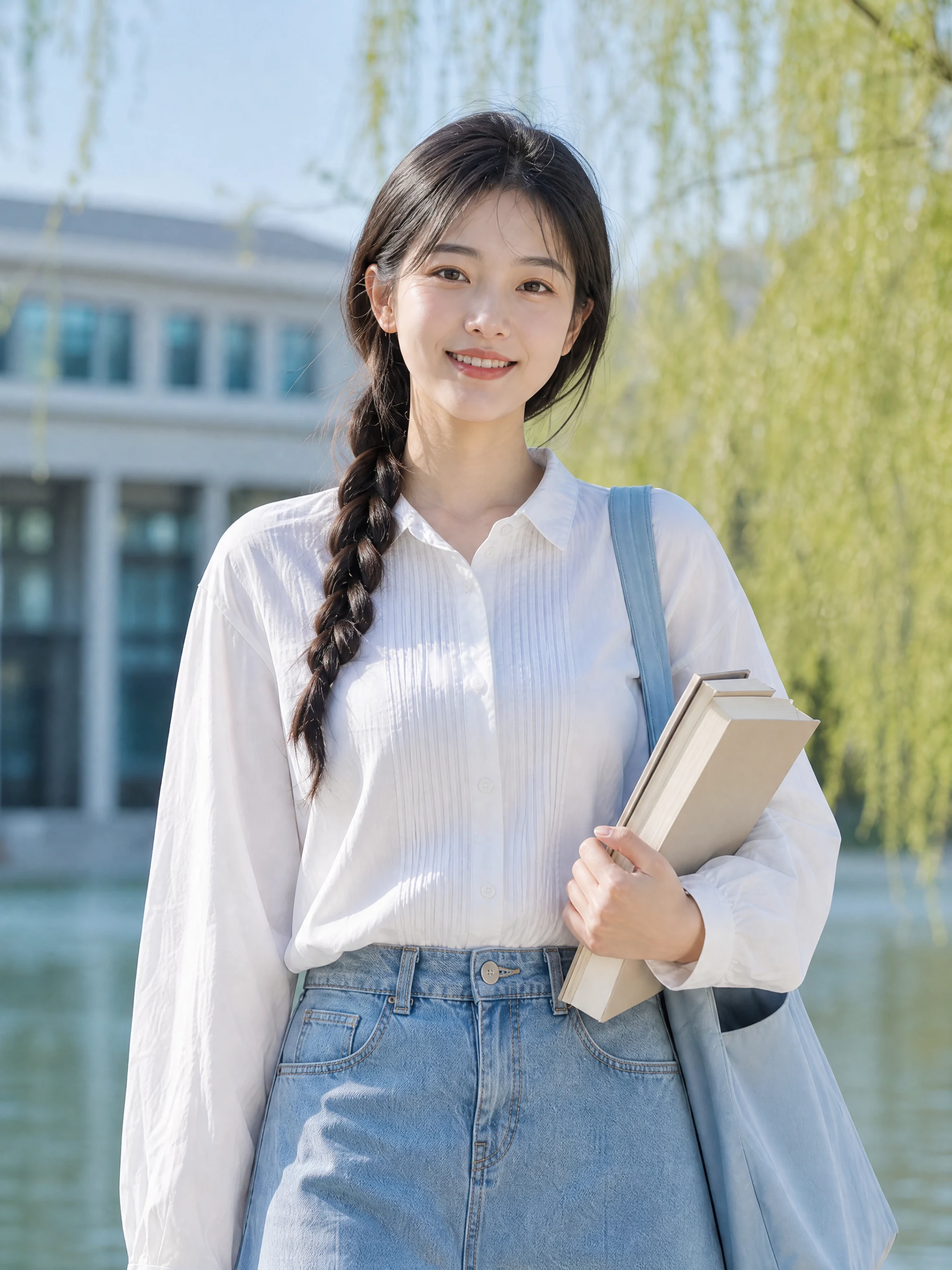
Choose a well-lit image with the subject fully visible and no heavy filters.
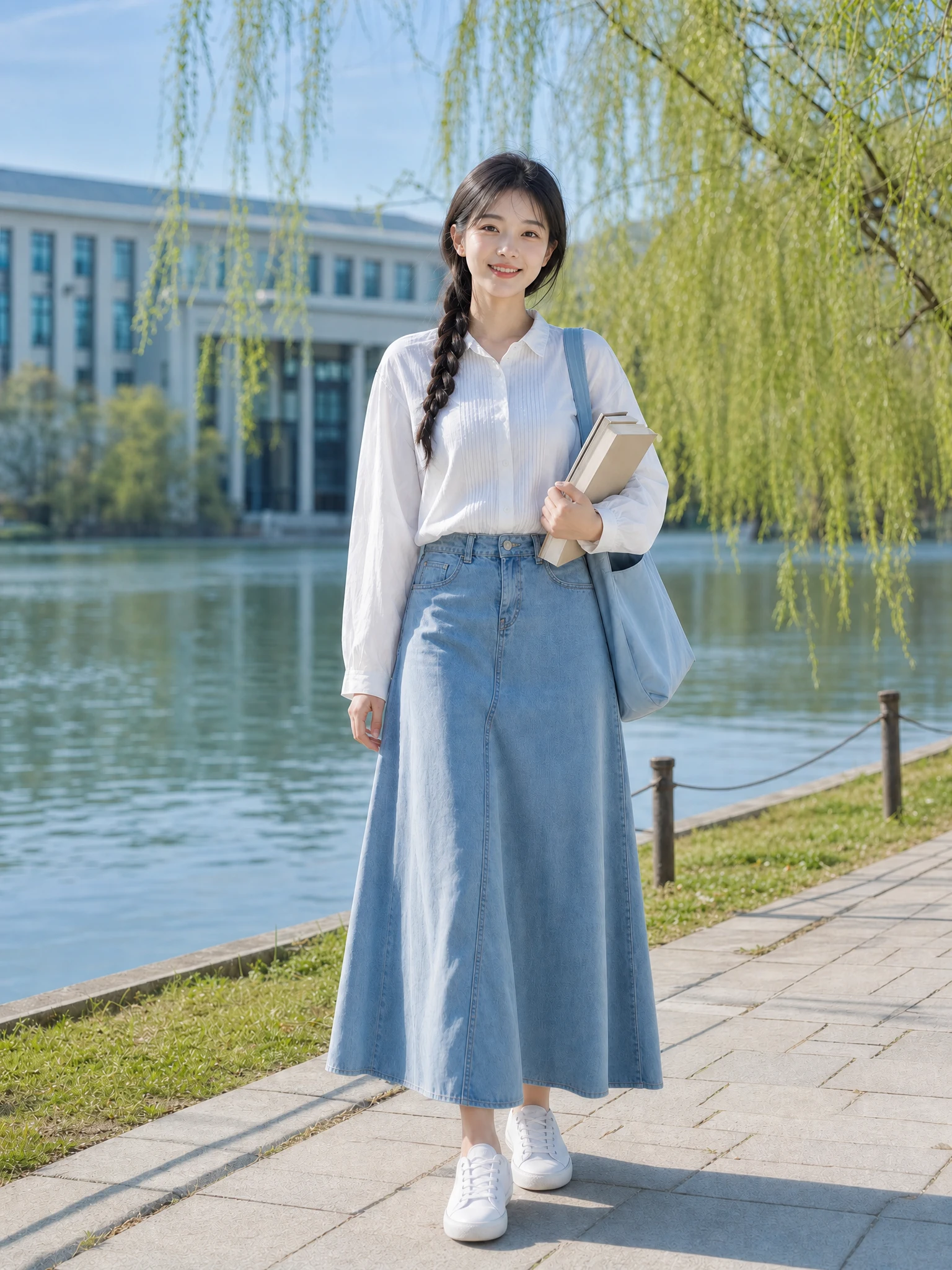
Upload a blurry portrait and choose the recovery level closest to the result you need.
JPEG, PNG, or WebP up to 20 MB
Select a recovery style, then generate after uploading the original.
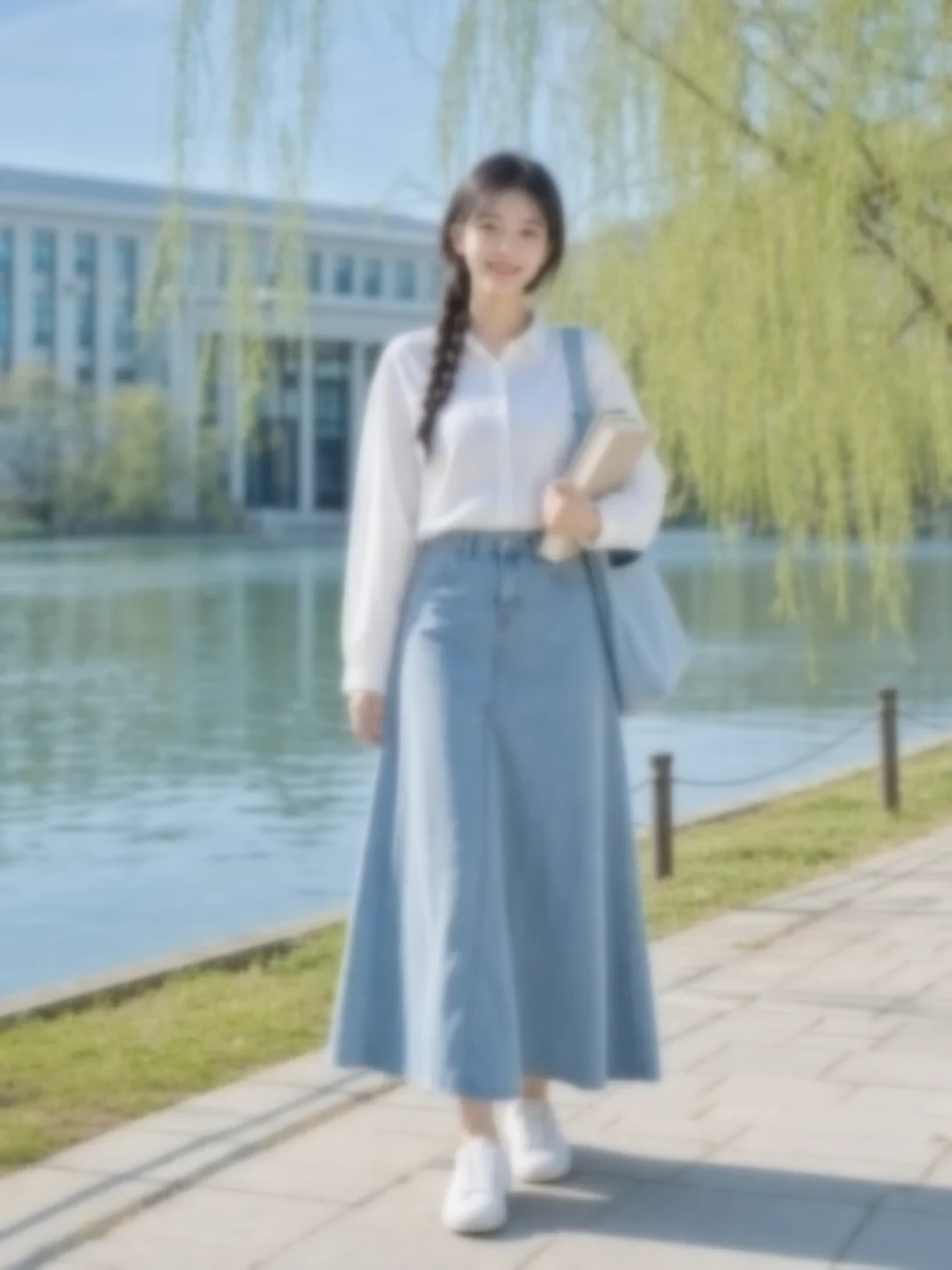 Restored detailBlurry original
Visible focus recovery
Move the slider to inspect restored focus and texture. Unblur Photo aims for believable detail instead of harsh halos or an artificial face.
Restores hair, eyes and fabric detail
Preserves real skin texture
Avoids aggressive sharpening halos
Recovery choices
Each Unblur Photo preset balances sharpness, noise and natural texture differently.
Simple photo workflow
The experience stays visual and focused: upload once, choose a result direction, then generate and download.
01
Choose a well-lit image with the subject fully visible and no heavy filters.
02
Use the visual examples instead of writing a complicated prompt from scratch.
03
Review the finished result, regenerate if needed, and save the version you like.
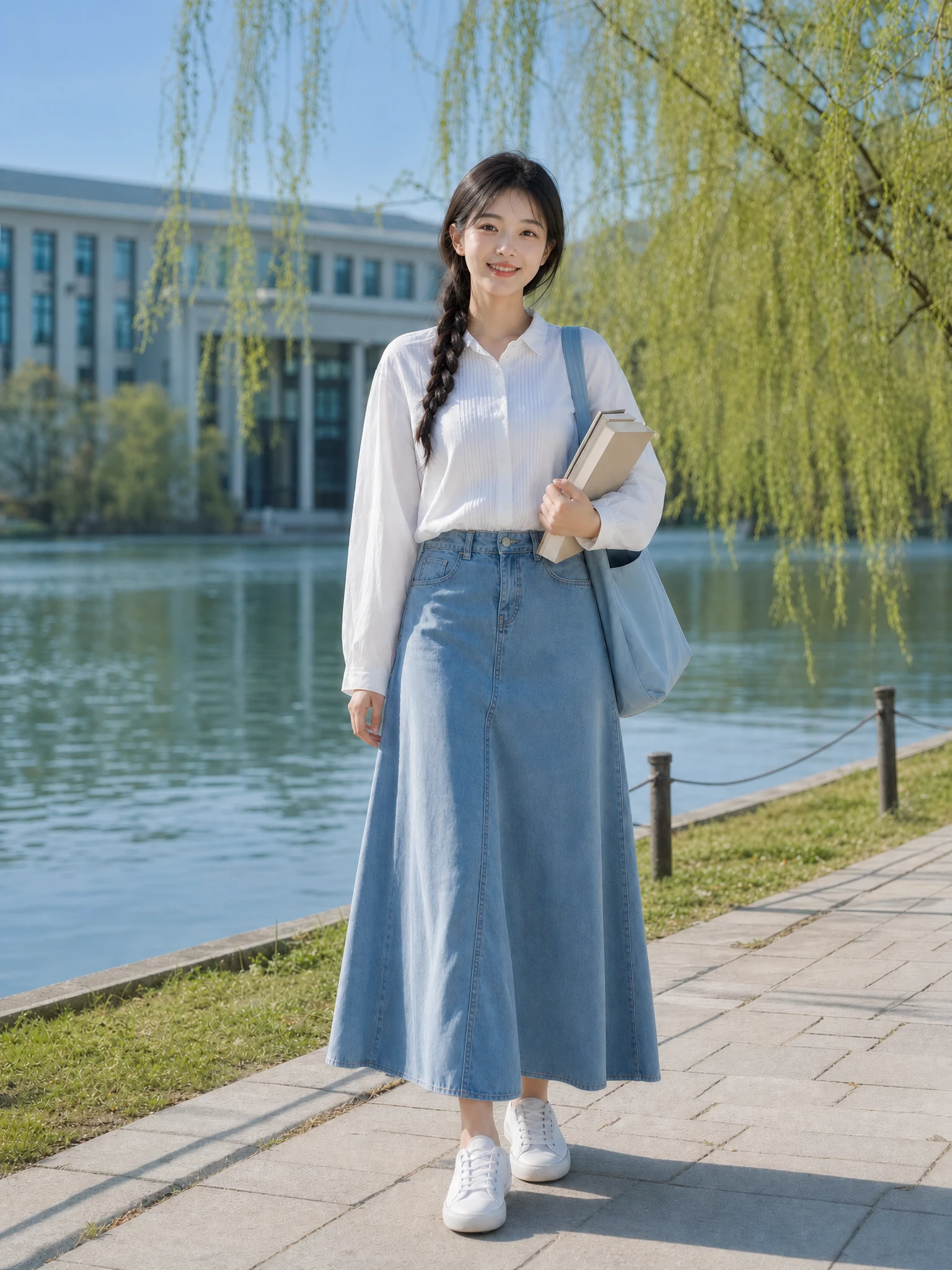
Every detail is organized around a fast, understandable and account-backed creative workflow.
See the intended result before spending credits, with prompts hidden until you actually need them.
Sign-in, task history, credit checks, result tracking and supported failure refunds use the existing secure account flow.
Each workflow is connected to a focused KIE-backed image model instead of a decorative demo button.
Photo recovery help
Quick guidance about blur types, identity, output quality, credits and privacy.
It works best on mild focus errors, motion softness and noise. Extremely blurred or tiny faces may not contain enough information for a reliable recovery.
Upload the best available original, choose a recovery level and generate a cleaner result with realistic texture.
Try it now