01
Use the AI Photo Editor for photos you already have
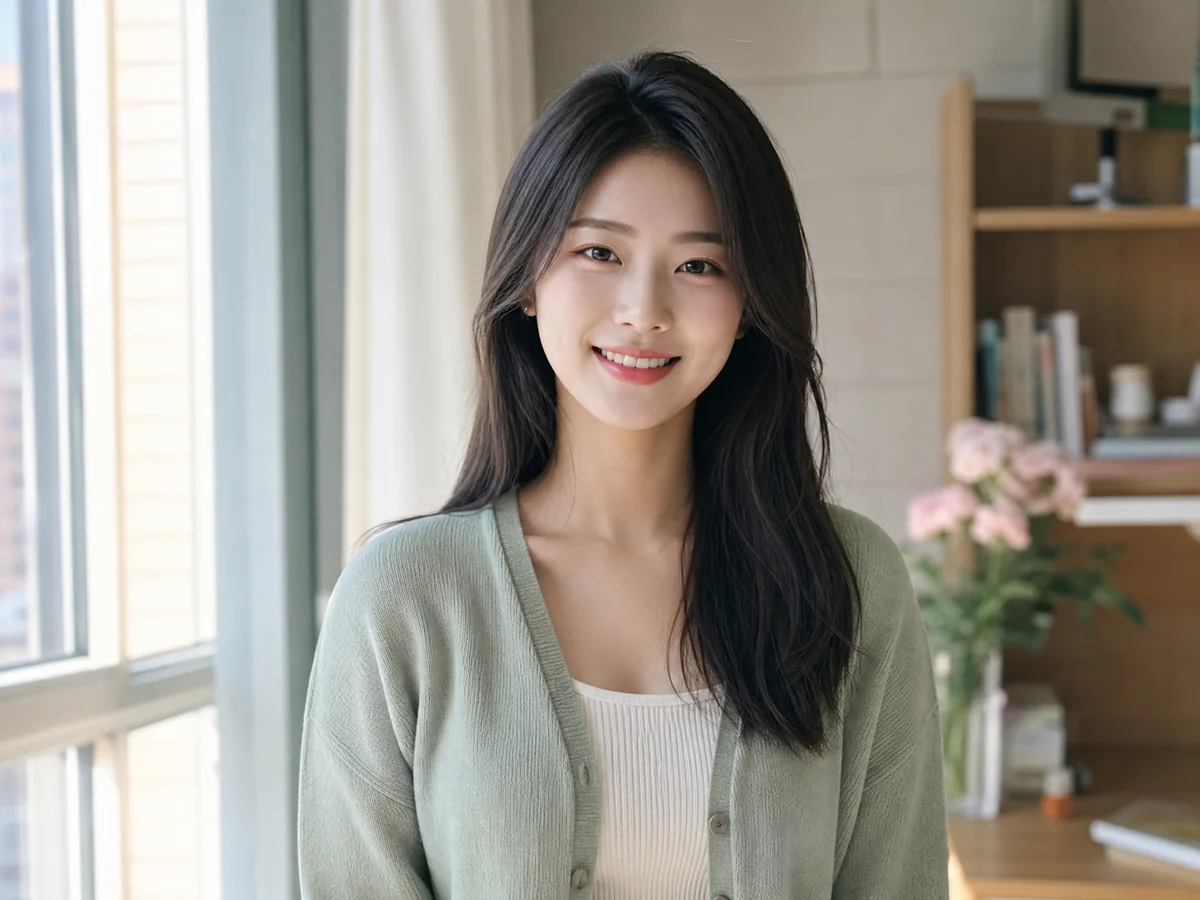
Upload a selfie or portrait, then clean distractions, adjust backgrounds, refresh lighting, restyle outfits, or polish the result with a clear instruction.
Try the AI Photo Editor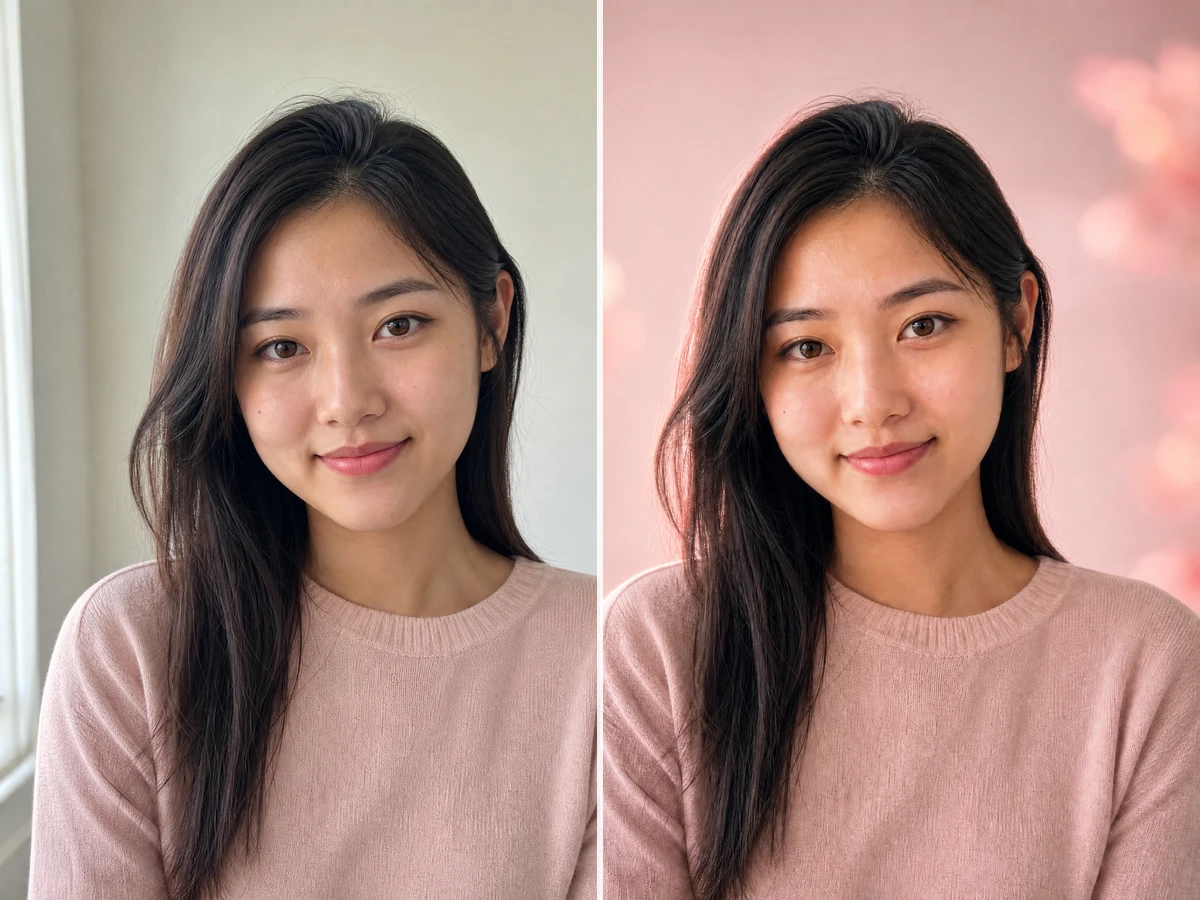
Upload a photo for the AI Photo Editor, combine references, run a quick retouch, or switch to the AI Photo Generator when you need a new image from a prompt.
JPEG, PNG, or WebP up to 20 MB
Prompt examples
Precise natural-language edits for a single image.
Complete the required inputs, then start when you are ready.
Two clear starting points
Start with a photo when you want to edit details, or start with a prompt when you need a new portrait, profile picture, or social image.
01
Upload a selfie or portrait, then clean distractions, adjust backgrounds, refresh lighting, restyle outfits, or polish the result with a clear instruction.
Try the AI Photo Editor02
Describe the portrait, profile photo, social post, or visual concept you want, then generate a polished image from a prompt.
Open the AI Photo Generator
Choose the right tool
Start with the AI Photo Editor when you have a source image, use the AI Photo Generator when you need a new portrait from a prompt, and move into focused tools when a specific photo goal matters.
Refresh lighting, clean the background, and keep the selfie natural with a focused AI Photo Editor flow.
Open toolUse the AI Photo Editor to improve clarity, color, and detail while preserving face shape, age, expression, and identity.
Open toolTry clean, peach, mauve, or red-lip looks before applying a full AI Photo Editor result to your portrait.
Open toolUse the AI Photo Editor to preview clothing styles while keeping your body proportions, pose, and personal features recognizable.
Open toolCreate profile photos, lifestyle portraits, and social visuals from text when you do not have a source image.
Open toolUse an uploaded reference to guide composition, identity, outfit, or mood for a controlled transformation.
Open toolThis AI Photo Editor turns clear instructions into polished photo changes through a focused, elegant, and repeatable workflow.
Replace backgrounds, refine details, restyle photos, and combine multiple visual references without switching tools.
Uploads are used to process your request and can be managed with short-lived storage policies.
Clear modes and examples help you describe changes precisely and reach a useful result faster.
How it works
The AI Photo Editor takes you from an original image to a downloadable photo edit in three clear steps.
01
Choose a JPEG, PNG, or WebP image from your device.
02
Tell the editor what to change and what should stay the same.
03
Review the AI result, refine your prompt, or save the finished image.
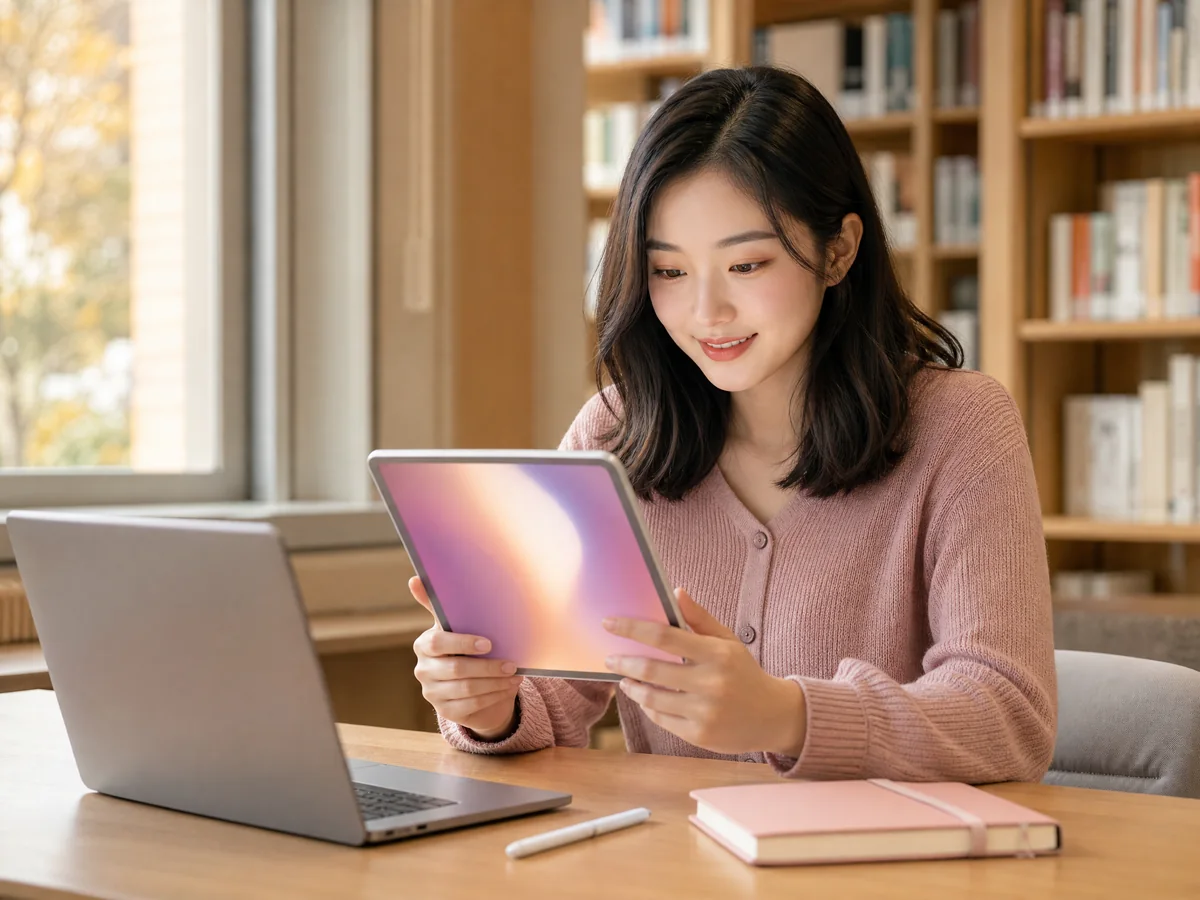
Use the AI Photo Editor to clean up distractions, refresh portraits, replace backgrounds, and restyle photos without learning complicated software.
01
The AI Photo Editor removes unwanted objects from a plain-language instruction and rebuilds the surrounding scene for a clean, believable finish.
Try it free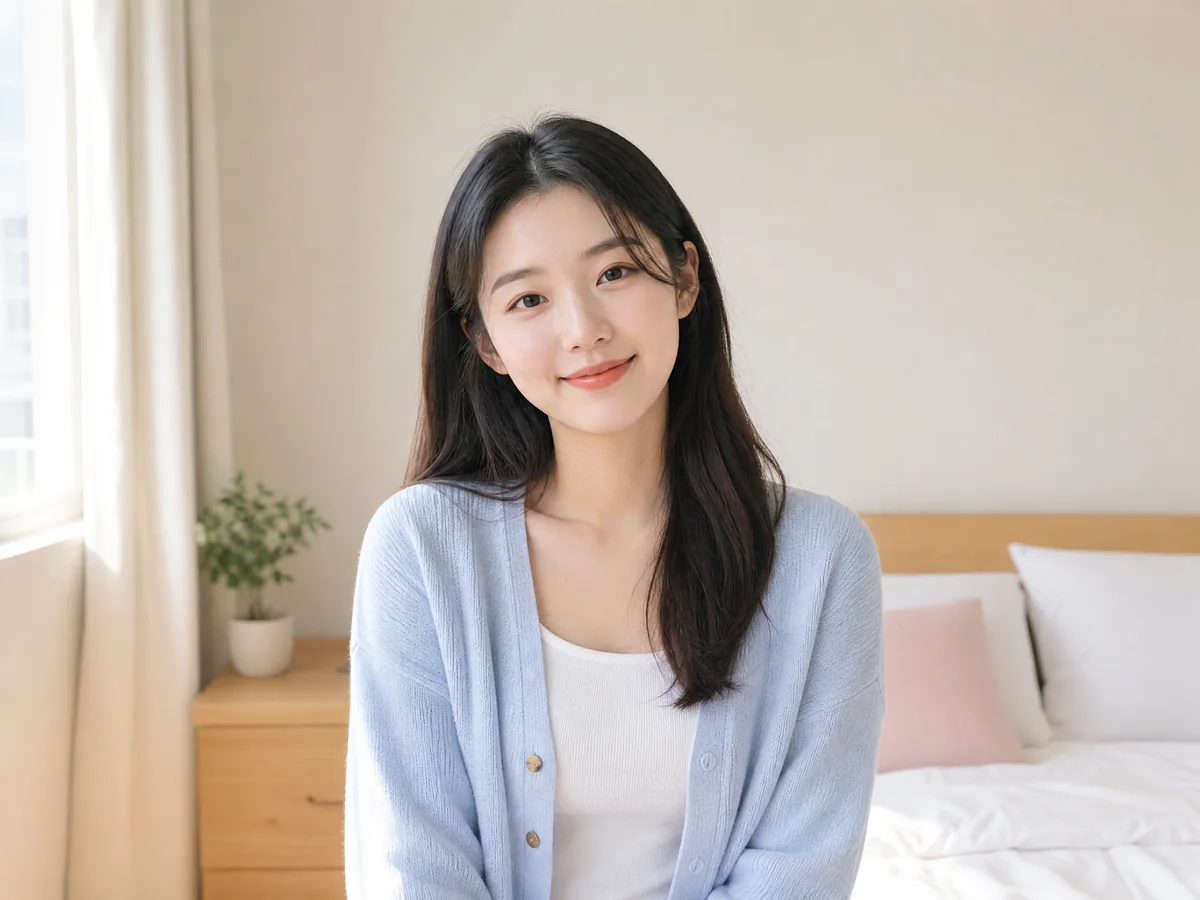
02
Use the AI Photo Editor to polish a selfie, expand the frame, or replace the background while keeping your face and identity recognizable.
Try it free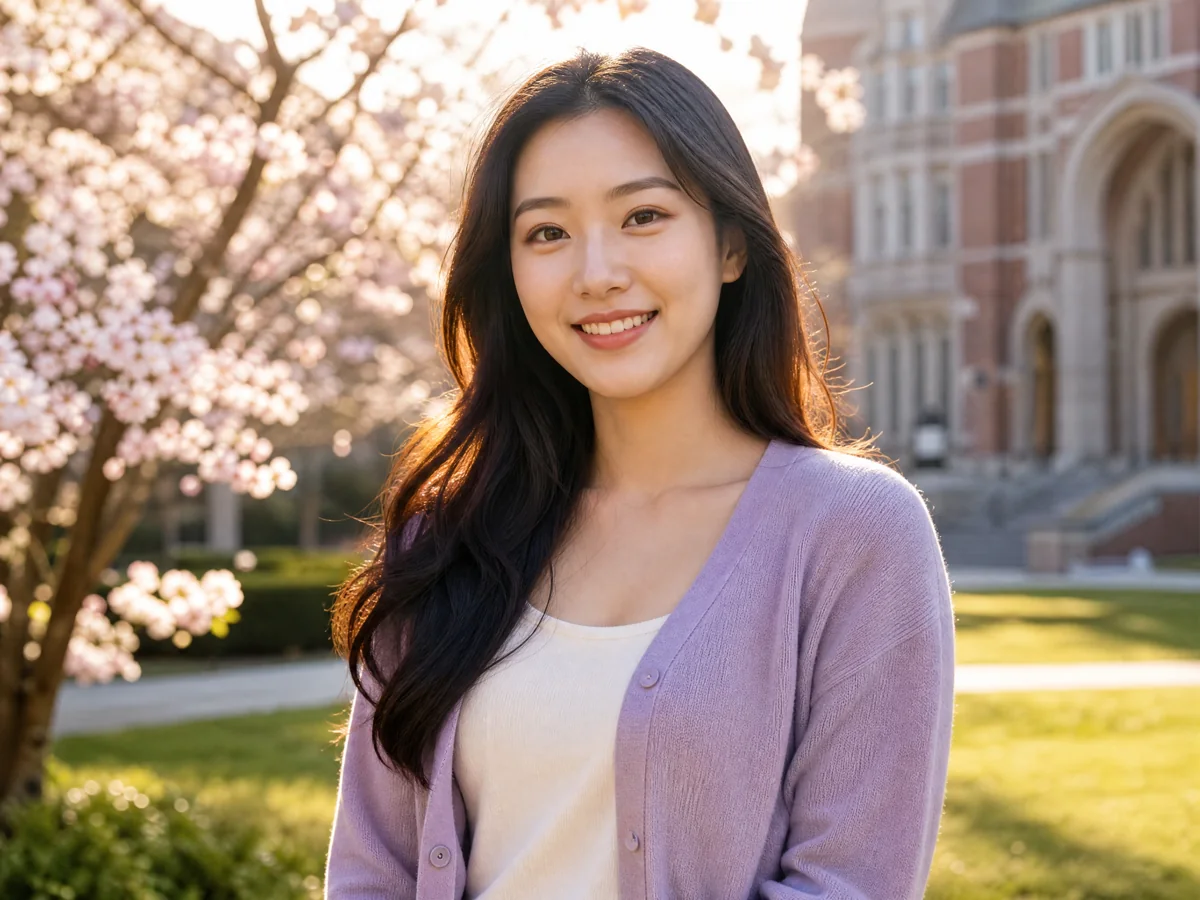
03
Let the AI Photo Editor improve older photos, test a fresh aesthetic, and create polished variations while preserving the main subject.
Try it free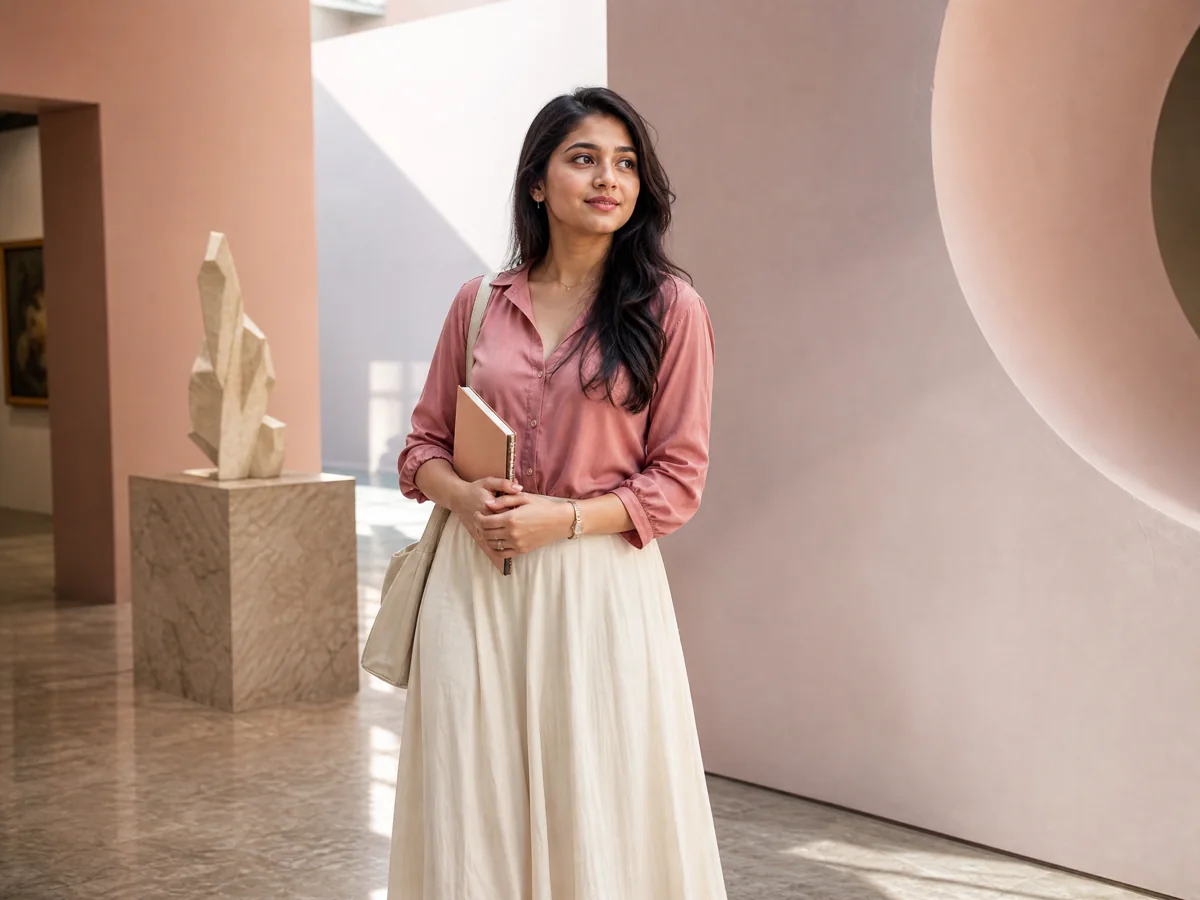
Creative workflows
The AI Photo Editor focuses on real-life workflows for selfies, portraits, outfits, profile photos, and social content instead of unrelated business tools.
Everyday portraits
Use focused AI photo editing to remove background distractions, improve the light, and give everyday selfies a clean, natural finish.
Style explorers
Combine a portrait with outfit and color references to explore a cohesive new look before you commit.
Content creators
Explore compositions and styles quickly before choosing the version worth polishing.
Personal projects
Improve the setting, lighting, or mood of a portrait without rebuilding the image from scratch.
Social profiles
Create polished profile-photo variations for social apps, school, communities, and personal portfolios.
Creative exploration
Combine up to three references and describe which subject, scene, or style each one should contribute.
Upload your photo, write a simple instruction, and turn the original into a polished result that is ready to download.
Made for you
Focused AI Photo Editor modes, prompt examples, and ratio presets make each transformation easier to understand.
Use the AI Photo Editor to turn source photos into polished selfies, portraits, profile pictures, social posts, and personal memories.
The AI Photo Editor keeps prompts, source images, and output formats together so each revision has a clear starting point.
Frequently asked questions
Get clear answers about how the AI Photo Editor handles uploads, supported formats, multiple reference images, credits, and downloads.
It interprets written instructions and applies visual changes such as object cleanup, background replacement, portrait refinement, restoration, and style transfer.
Start with a selfie in the AI Photo Editor, or open the AI Photo Generator to create a new portrait, profile picture, or social post from a prompt.
Try it free