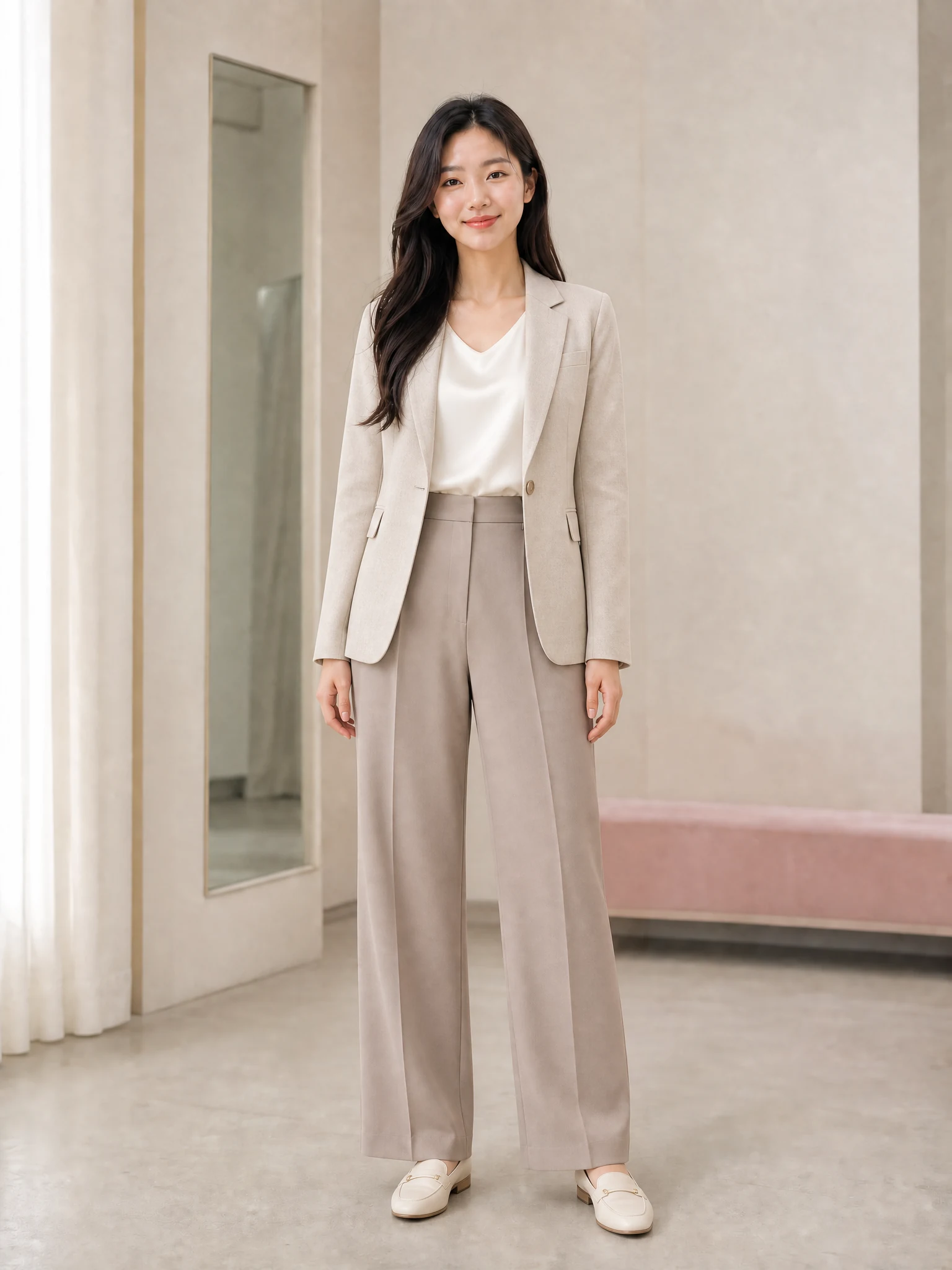
01
Relaxed campus layers
A blush cardigan, ivory knit, midi skirt, and sneakers create an adult casual look with an easy layered silhouette.
Try this outfit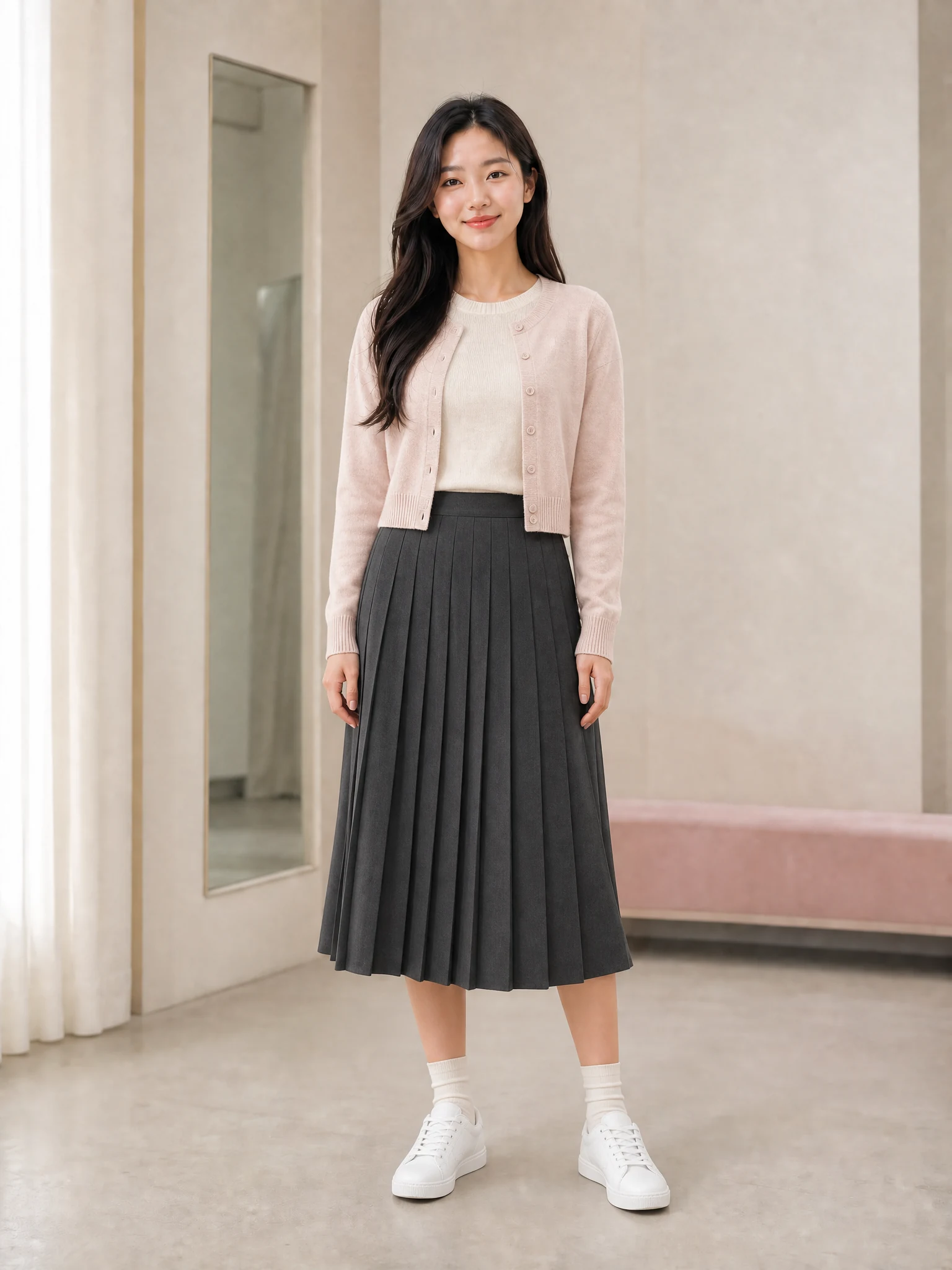
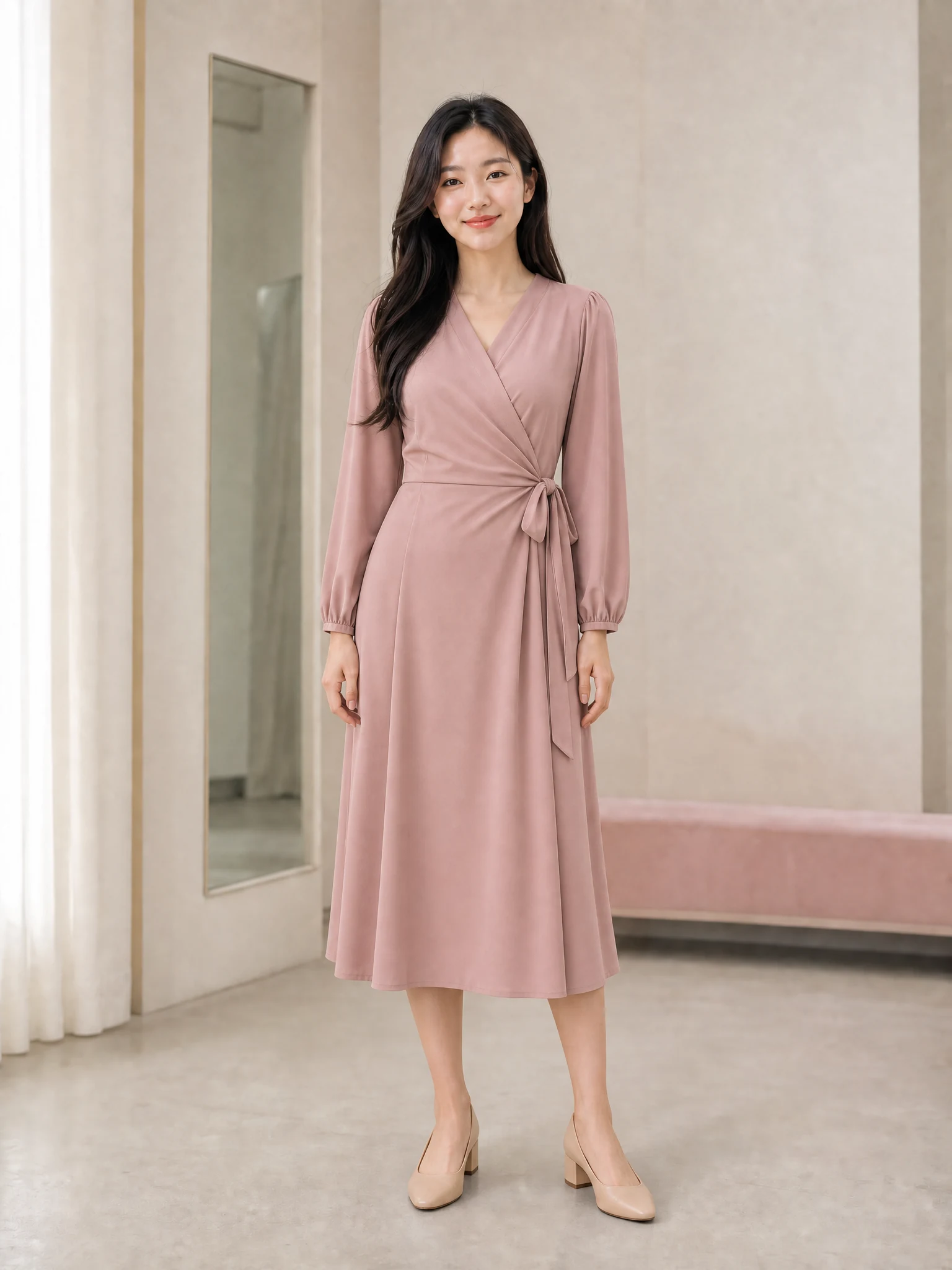
Upload a well-lit photo with your complete outfit visible, compare finished styling examples, and select the direction you want to wear.
JPEG, PNG, or WebP up to 20 MB
The outfit cards are examples, not your result. Your personalized image appears only after generation finishes.
Dress for the plan
Use the AI Outfit Changer to compare complete silhouettes and moods while keeping the same person, pose, and setting.
01
A blush cardigan, ivory knit, midi skirt, and sneakers create an adult casual look with an easy layered silhouette.
Try this outfit02
A black mock neck and tailored charcoal trousers make a clean, versatile option for city days and simple portraits.
Try this outfit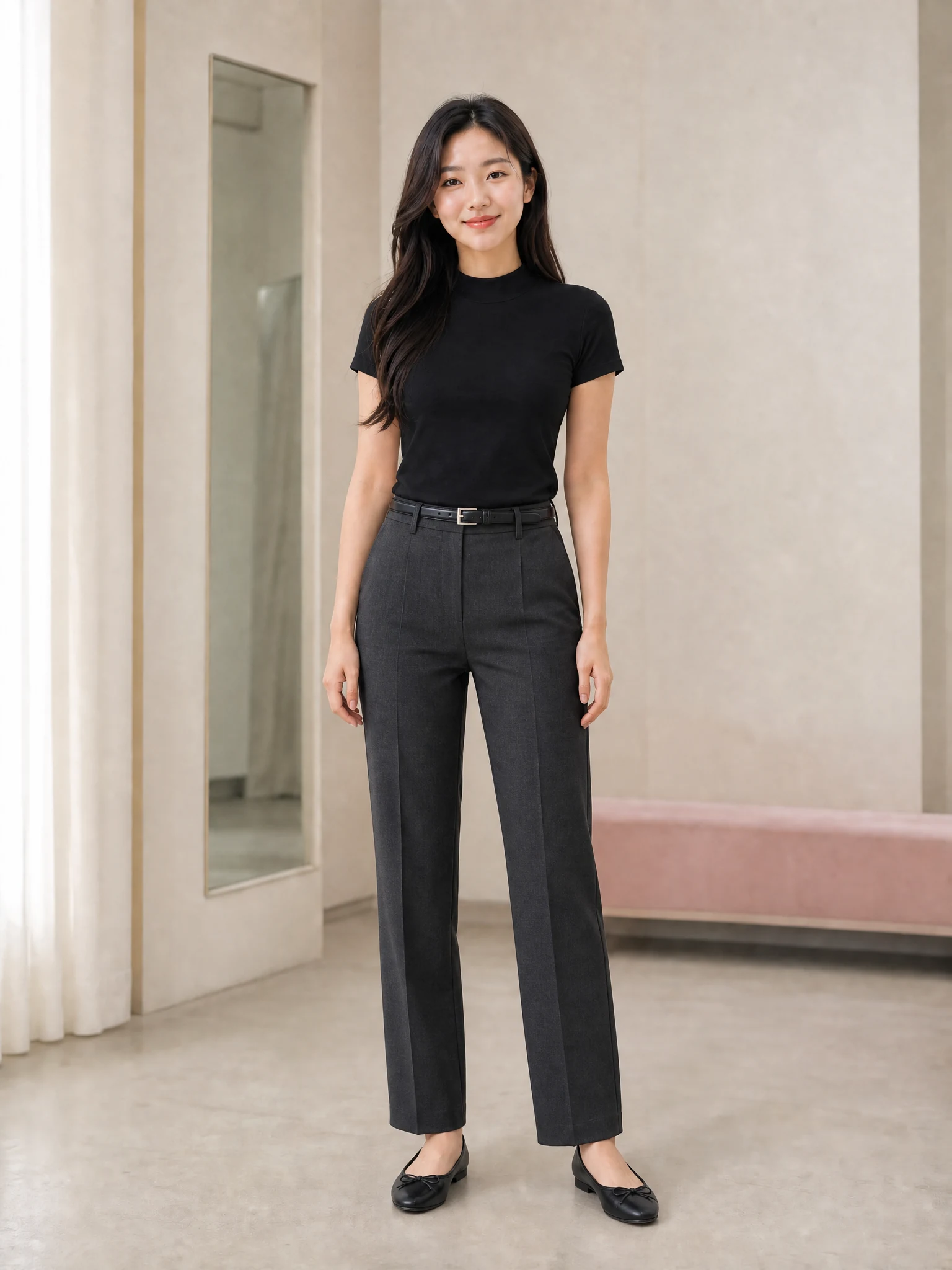
03
Sage and ivory linen offer breathable color harmony and a relaxed silhouette without changing the original body shape.
Try this outfit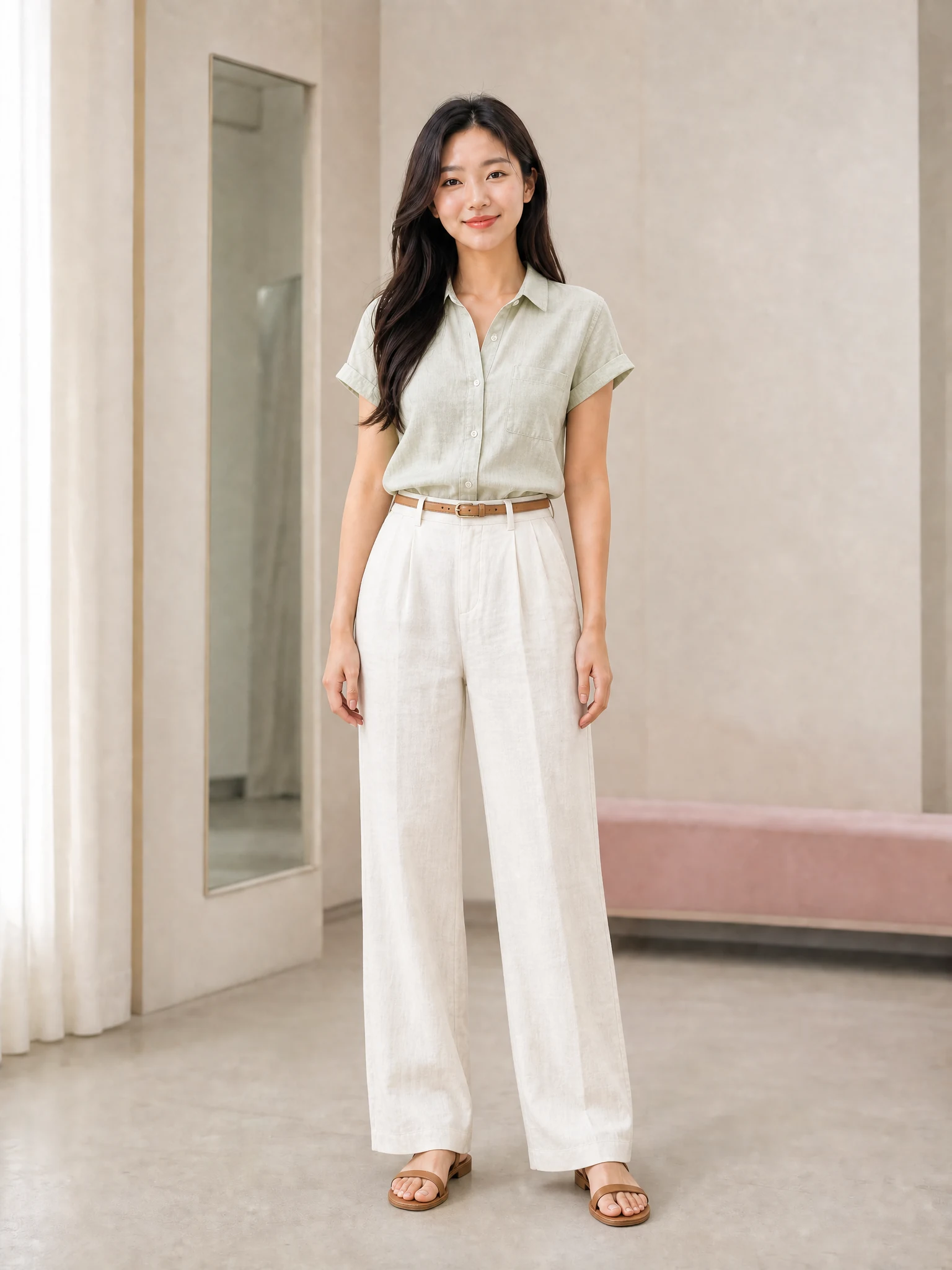
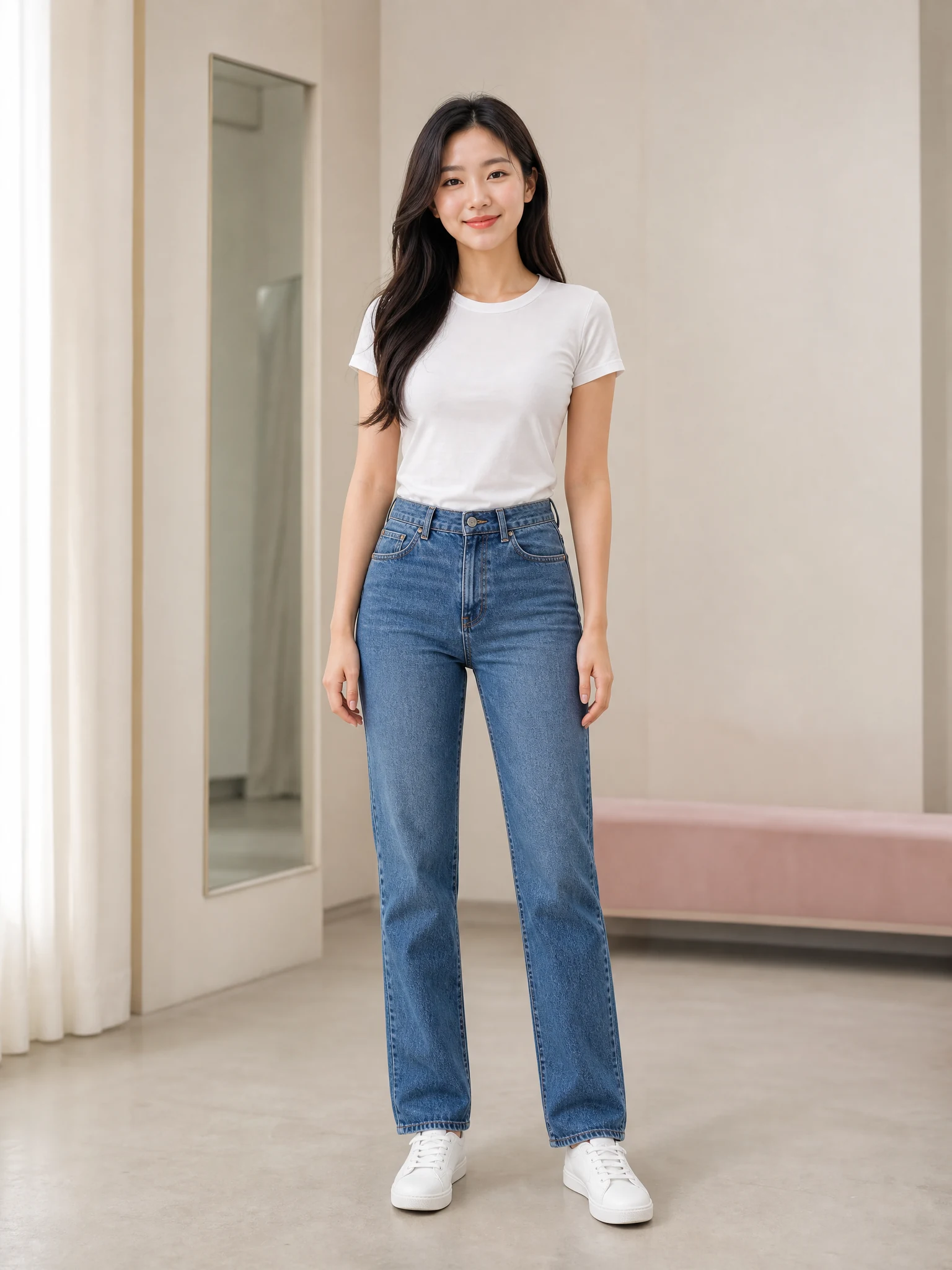 Soft officeOriginal
Drag to compare
The AI Outfit Changer is instructed to preserve identity, body shape, pose, hands, lighting, and background so you can focus on the clothes and overall silhouette.
Three simple steps
The AI Outfit Changer gives you a clear visual path from your current clothes to a complete styling preview.
01
Show your body from head to shoes in even light with arms and clothing edges visible.
02
Select a finished outfit example or open the custom field for a specific wardrobe idea.
03
Create the new outfit, compare the silhouette, and download the result you want to keep.
The AI Outfit Changer combines visual choices, honest expectations, and focused edits for an easier result.
Curated cards combine tops, bottoms, dresses, and shoes so you can choose a coherent outfit at a glance.
Prompts explicitly retain identity, body proportions, pose, and hands while changing clothes only.
The prompt stays out of the way for common goals and opens only when you want a more specific look.
Outfit questions
How to prepare a photo and understand the limits of an AI Outfit Changer preview.
Use a sharp, well-lit, full-body photo from head to shoes. Keep arms slightly away from the torso and avoid bags, coats, furniture, or other people covering the outfit.
Open the AI Outfit Changer, upload a clear full-body photo, and create a personalized preview without changing the person wearing it.
Try this outfit