
01
Upload one clear photo
Choose a well-lit image with the subject fully visible and no heavy filters.
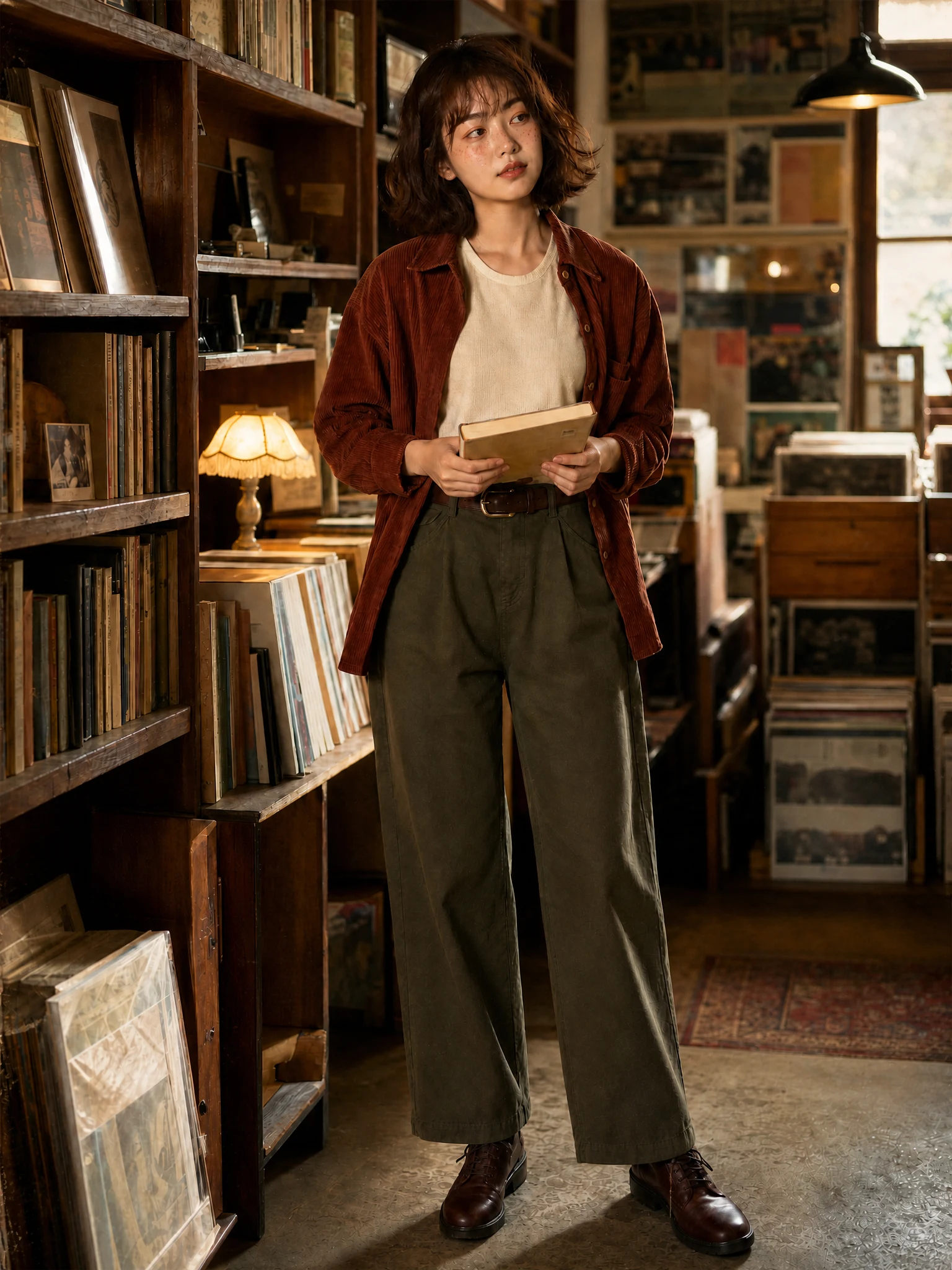
Upload the highest-quality scan you have and choose the restoration result that fits the memory.
JPEG, PNG, or WebP up to 20 MB
Choose a restoration goal, upload the original scan and start AI Photo Restoration.
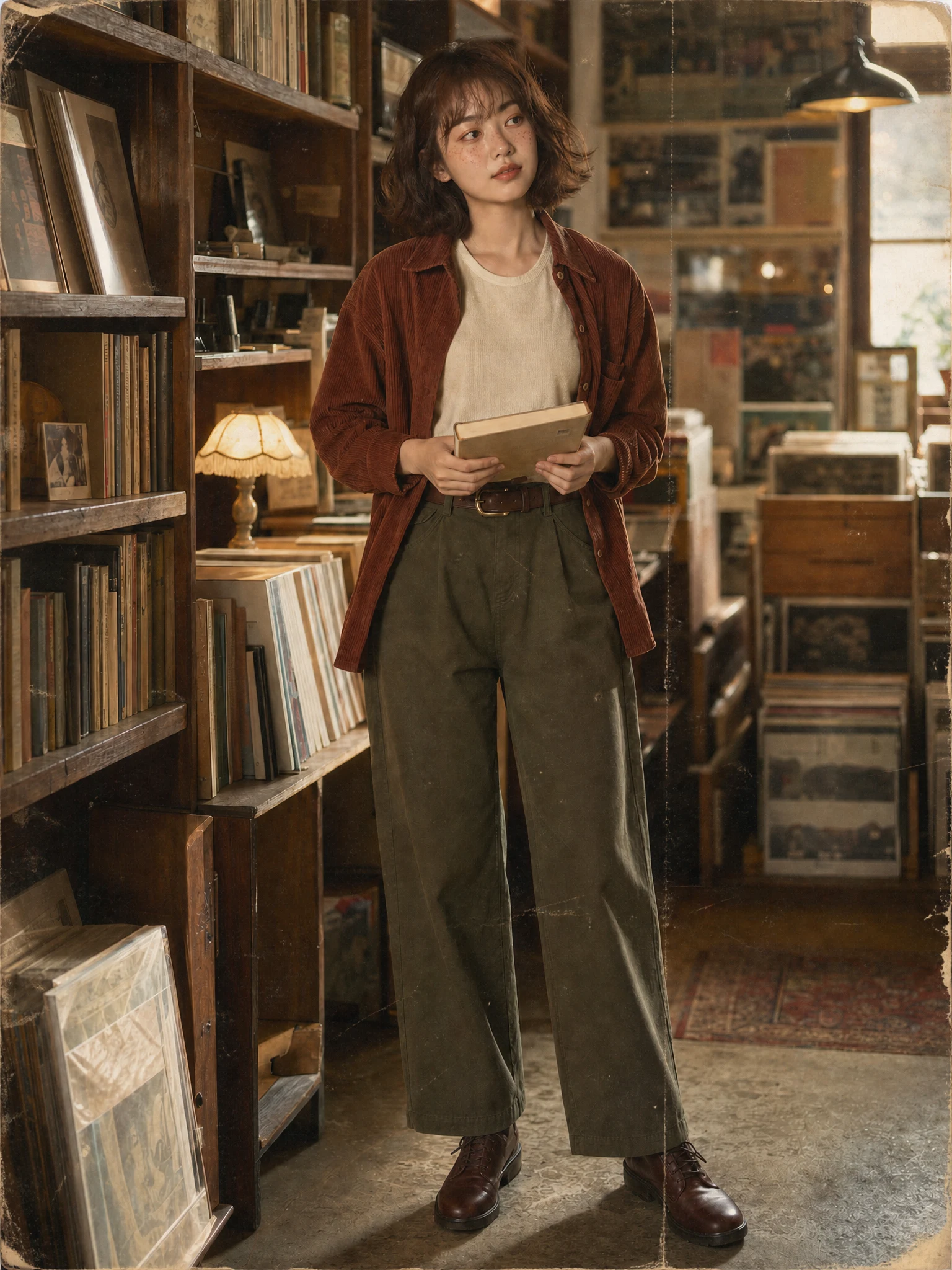 Restored photoDamaged print
Damage repair
Move the slider to compare scratches, fold marks, fading and recovered detail. AI Photo Restoration can reconstruct missing information, so important memories always need review.
Repairs scratches, dust and folds
Keeps identity, age and expression
Preserves authentic period texture
Restoration goals
Each AI Photo Restoration direction balances damage repair, facial detail, natural color and vintage texture differently.
Natural color repair
Repair scratches and faded color while retaining believable skin and film texture.
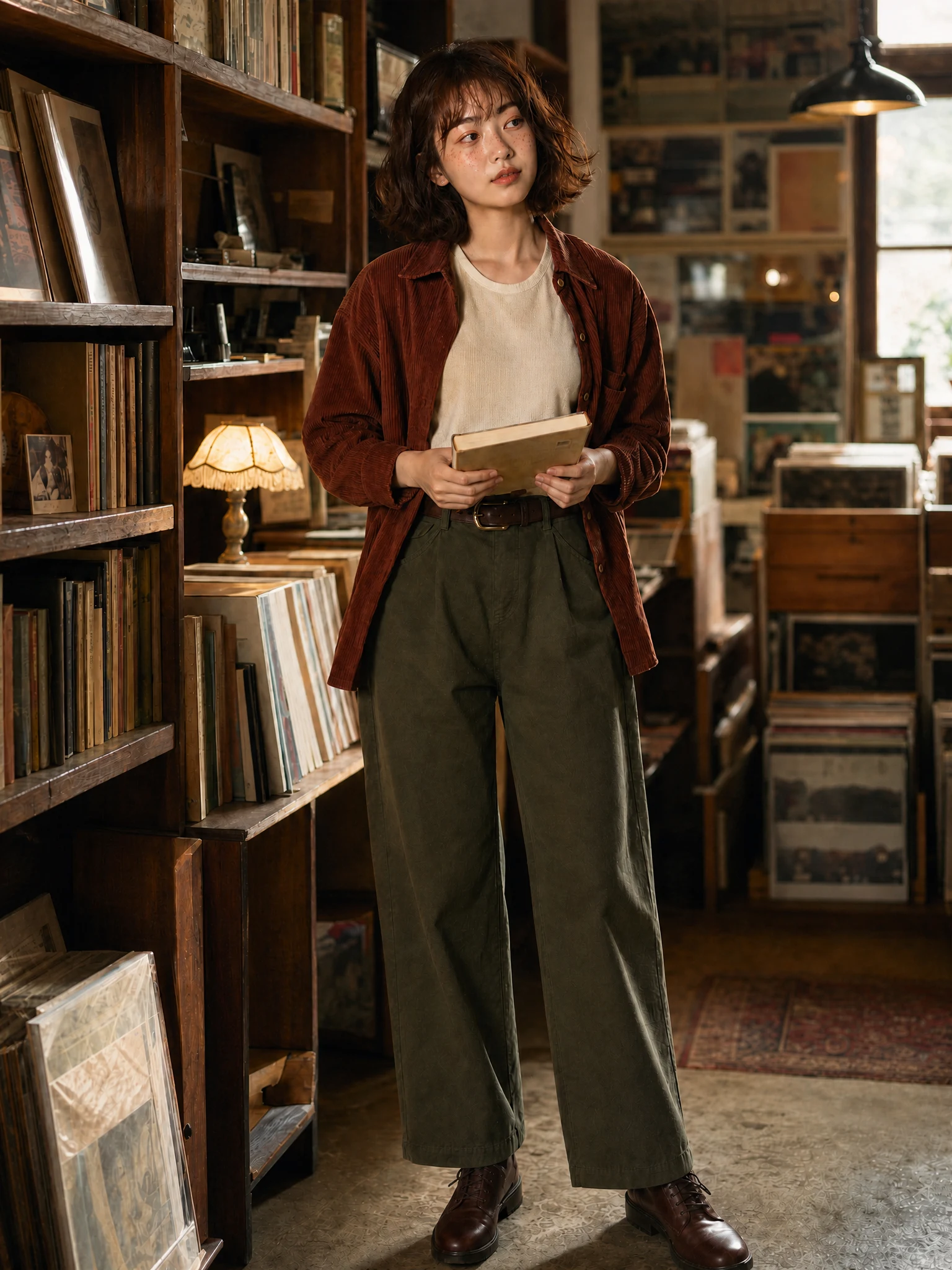
Face-detail recovery
Give extra care to freckles, hair, hands and fabric without changing identity or age.
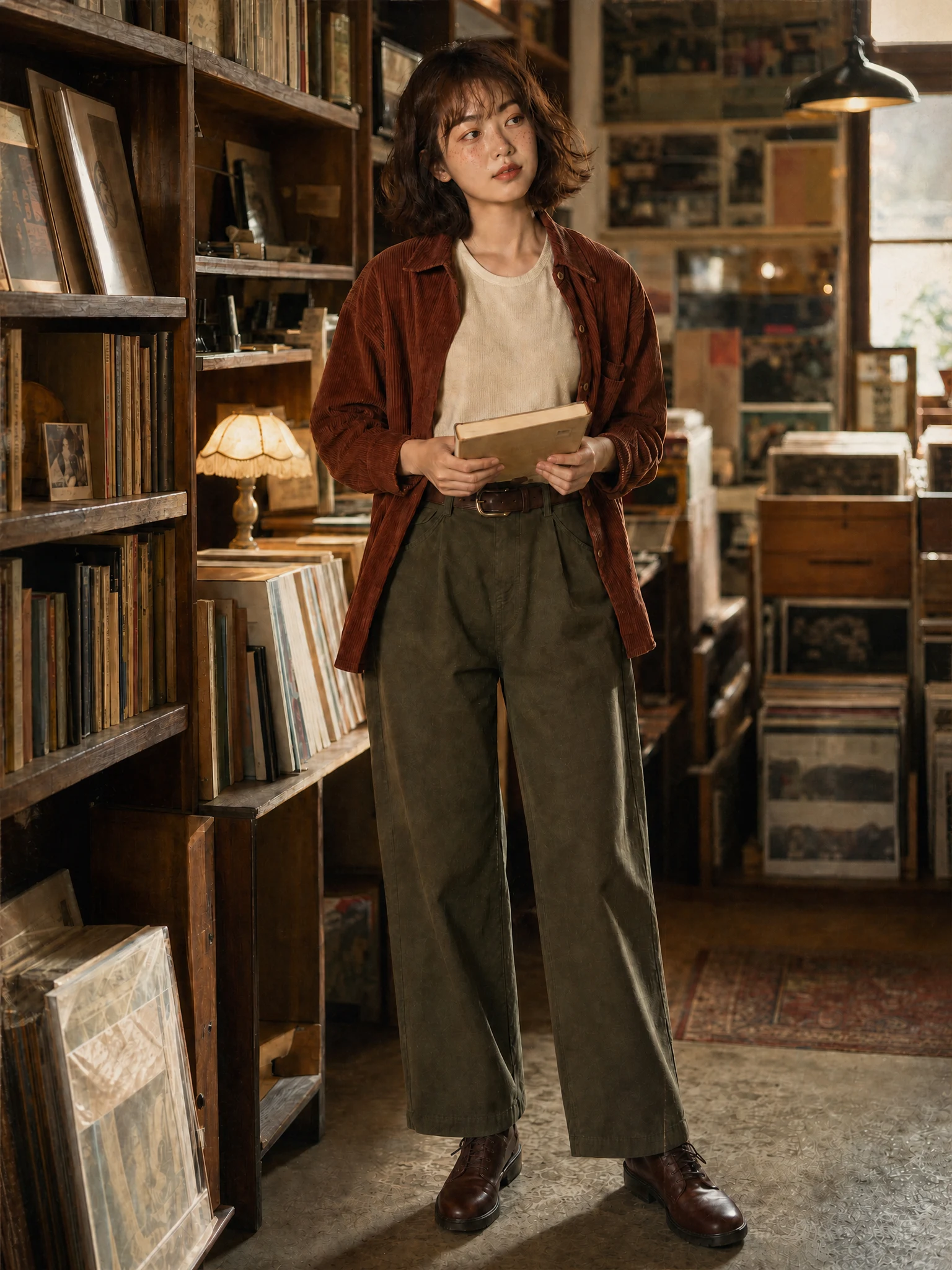
Archival film finish
Create a clean tonal range while preserving restrained grain and period atmosphere.
Simple photo workflow
The experience stays visual and focused: upload once, choose a result direction, then generate and download.
01
Choose a well-lit image with the subject fully visible and no heavy filters.
02
Use the visual examples instead of writing a complicated prompt from scratch.
03
Review the finished result, regenerate if needed, and save the version you like.
Every detail is organized around a fast, understandable and account-backed creative workflow.
See the intended result before spending credits, with prompts hidden until you actually need them.
Sign-in, task history, credit checks, result tracking and supported failure refunds use the existing secure account flow.
Each workflow is connected to a focused KIE-backed image model instead of a decorative demo button.
Restoration help
Answers about source quality, missing detail, identity, credits and private family photos.
It can help with fading, dust, scratches, mild folds, color casts, softness and small worn areas. A higher-resolution scan usually gives the model more real information.
Upload the best scan available, choose a careful restoration goal and create a cleaner result without erasing its history.
Try it now