01
Upload one clear photo
Choose a well-lit image with the subject fully visible and no heavy filters.
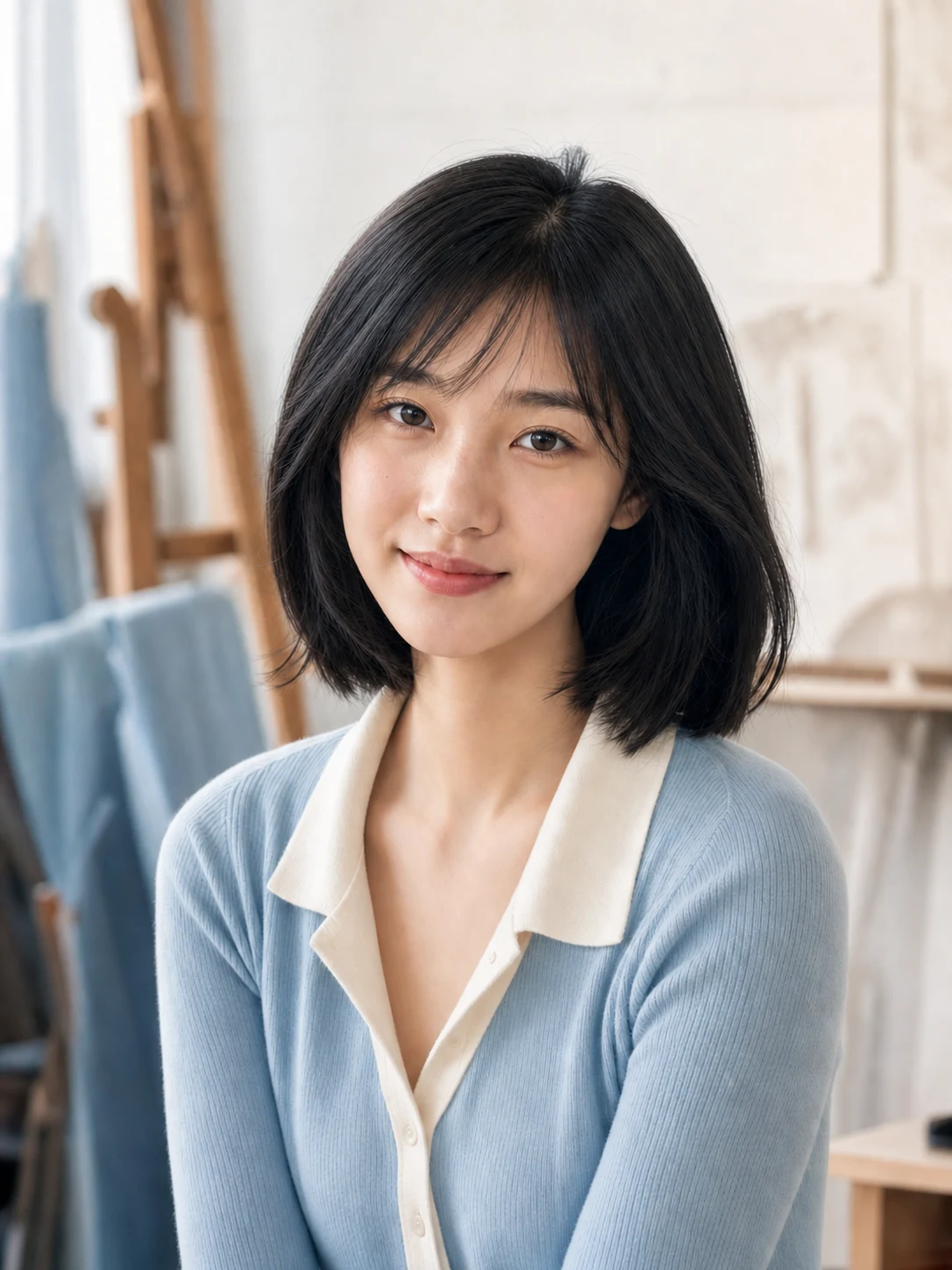
Natural clarity, low-light rescue and editorial polish solve different problems. Select one AI Portrait Enhancer result level before uploading so the change stays intentional.
JPEG, PNG, or WebP up to 20 MB
The result stays empty until enhancement has finished.
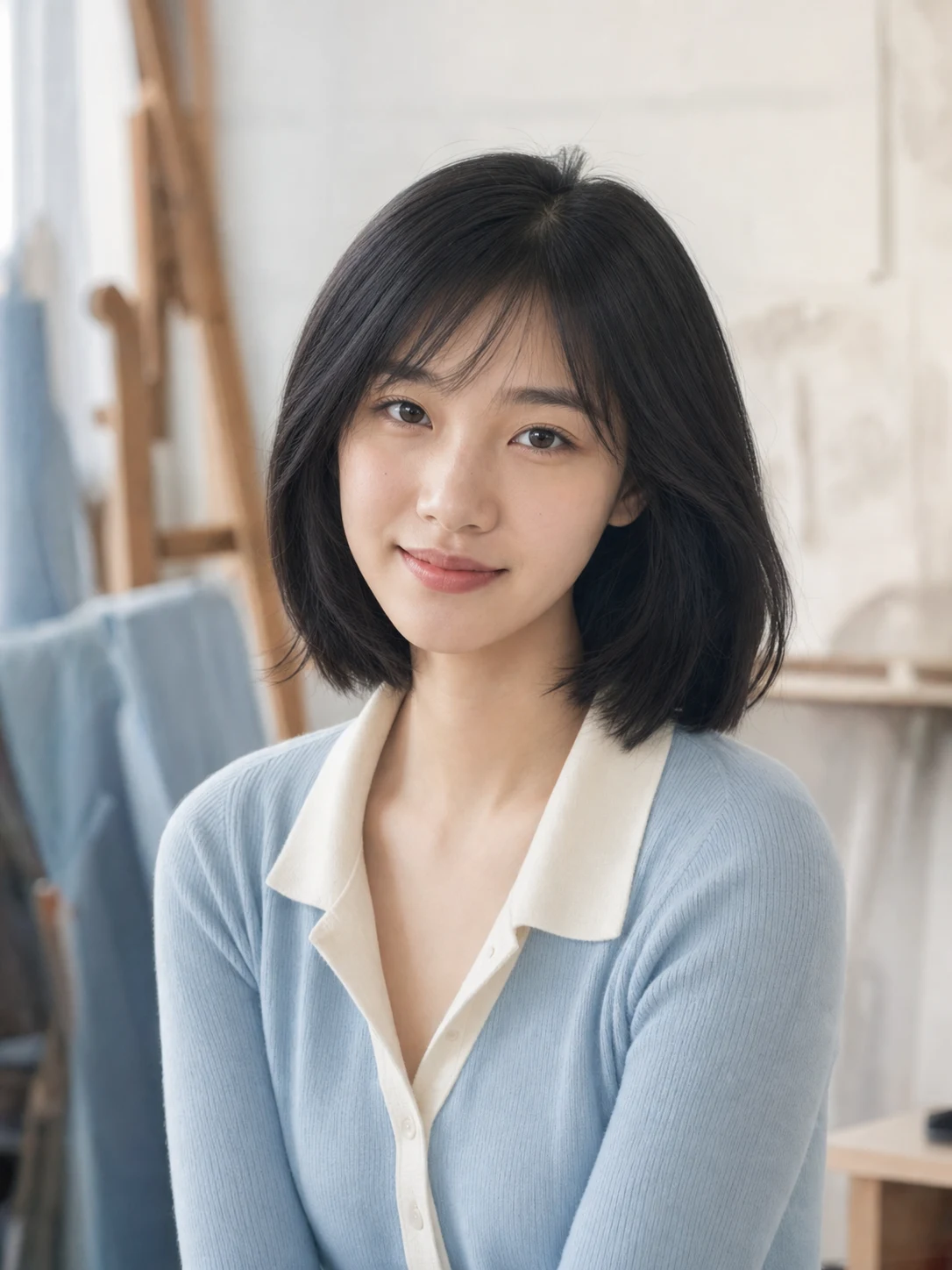 EnhancedOriginal
See the detail
Use the slider to judge how the AI Portrait Enhancer handles eyes, hair, fabric, exposure and color. The portrait should look better photographed, not artificially rebuilt.
Sharper eyes and hair without halos
Balanced light without washed-out skin
Texture remains natural at normal viewing size
Enhancement with restraint
Every AI Portrait Enhancer example keeps one adult model and one composition so clarity, exposure and color remain easy to compare.
Natural clarity
Crisper eyes, hair and clothing detail with balanced daylight for a believable everyday upgrade.
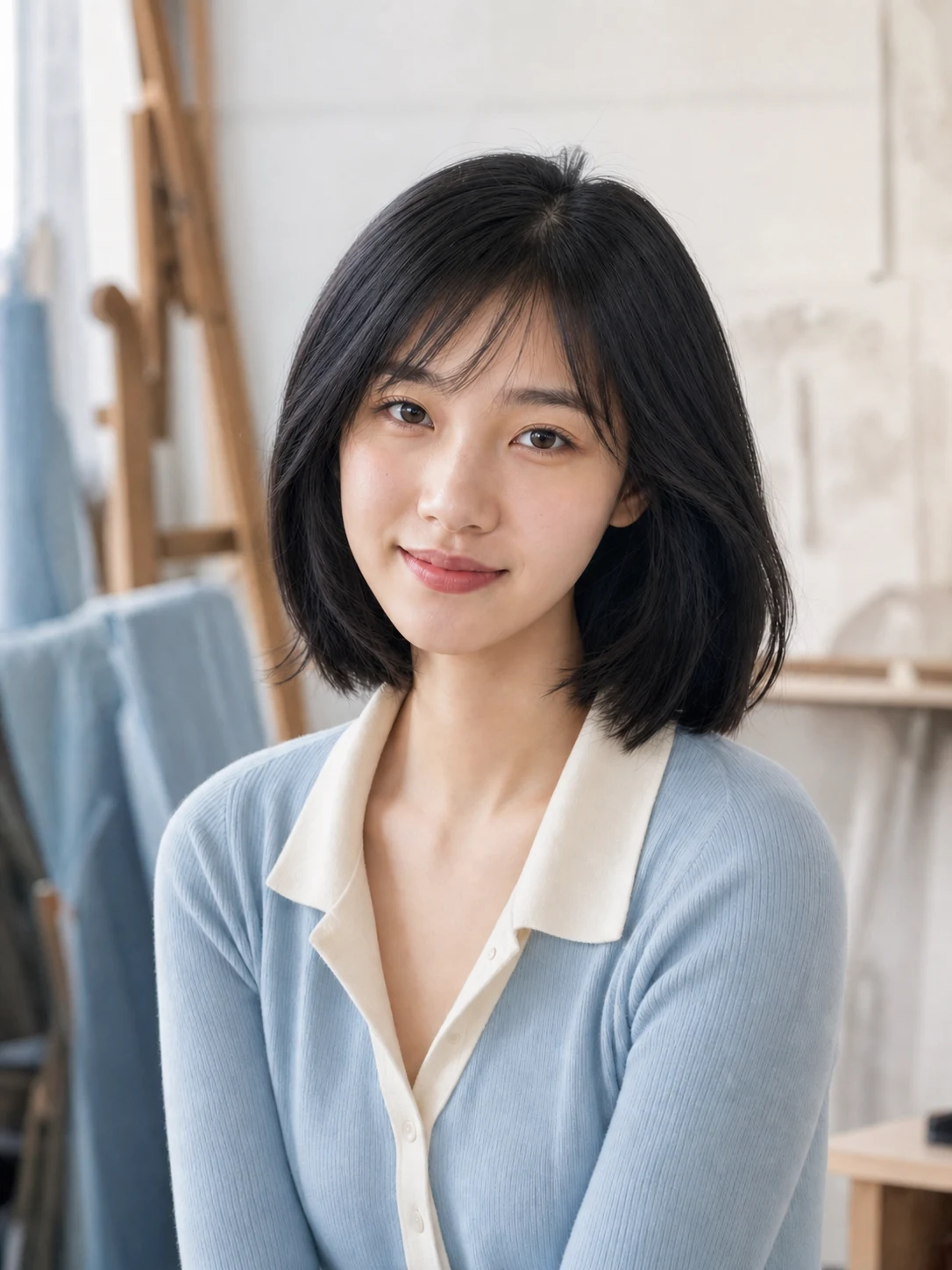
Low-light rescue
Cleaner shadows, neutral skin tone and reduced noise for portraits made in difficult indoor light.
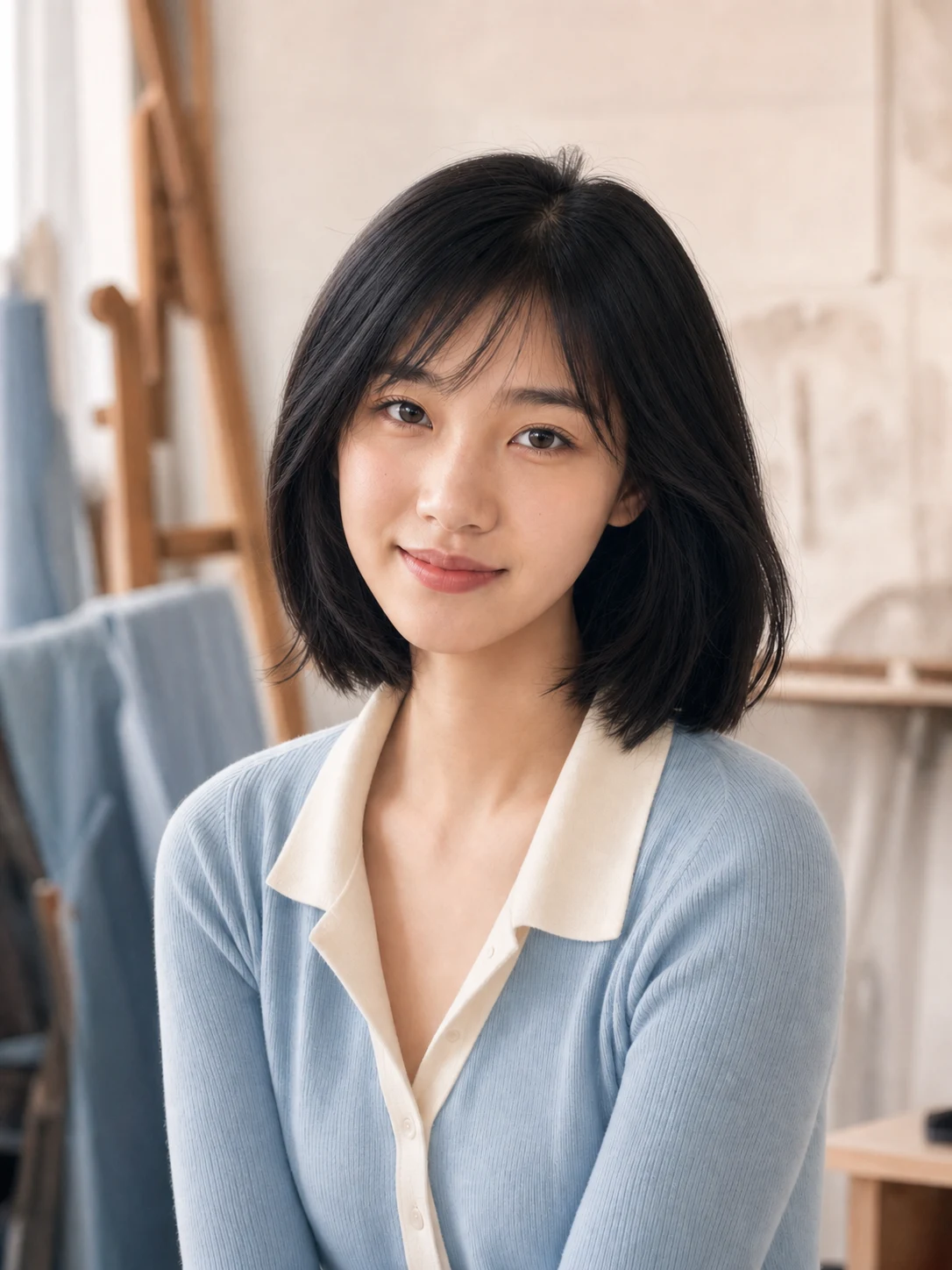
Soft editorial polish
Refined color and background separation for resumes, profiles and polished personal branding.
Simple photo workflow
The experience stays visual and focused: upload once, choose a result direction, then generate and download.
01
Choose a well-lit image with the subject fully visible and no heavy filters.
02
Use the visual examples instead of writing a complicated prompt from scratch.
03
Review the finished result, regenerate if needed, and save the version you like.
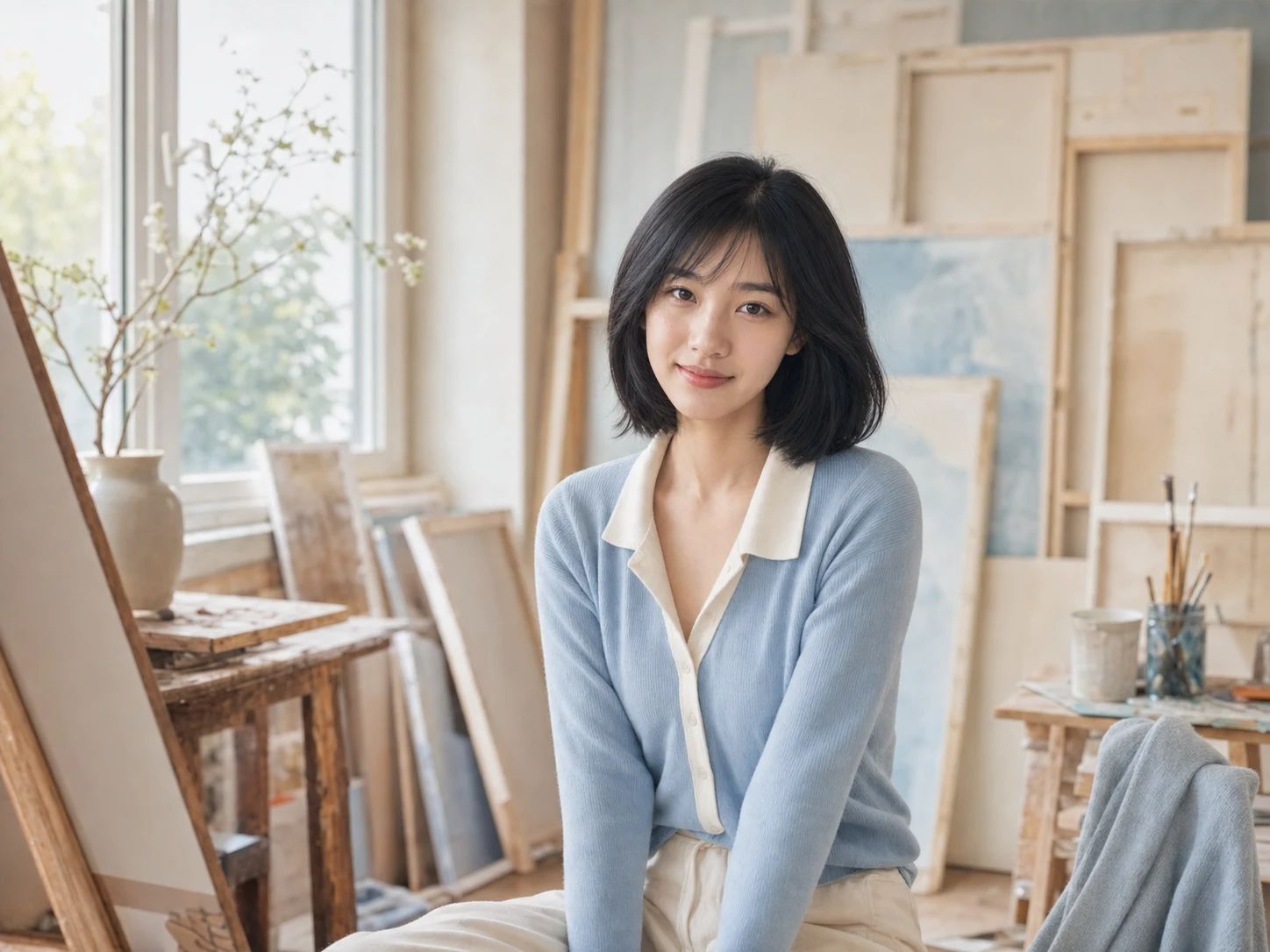
Every detail is organized around a fast, understandable and account-backed creative workflow.
See the intended result before spending credits, with prompts hidden until you actually need them.
Sign-in, task history, credit checks, result tracking and supported failure refunds use the existing secure account flow.
Each workflow is connected to a focused KIE-backed image model instead of a decorative demo button.
Enhancement guide
What to expect from the AI Portrait Enhancer when improving sharpness, light, face detail, credits and privacy.
Choose a portrait with one adult subject, the full face visible and enough original detail to recover. The AI Portrait Enhancer can improve soft or dim photos, but it cannot reliably recreate detail that was never captured.
Upload a clear portrait, choose the AI Portrait Enhancer level that matches the real problem, and create a cleaner result without asking for a different face.
Try it now