

01
Upload one clear photo
Choose a well-lit image with the subject fully visible and no heavy filters.
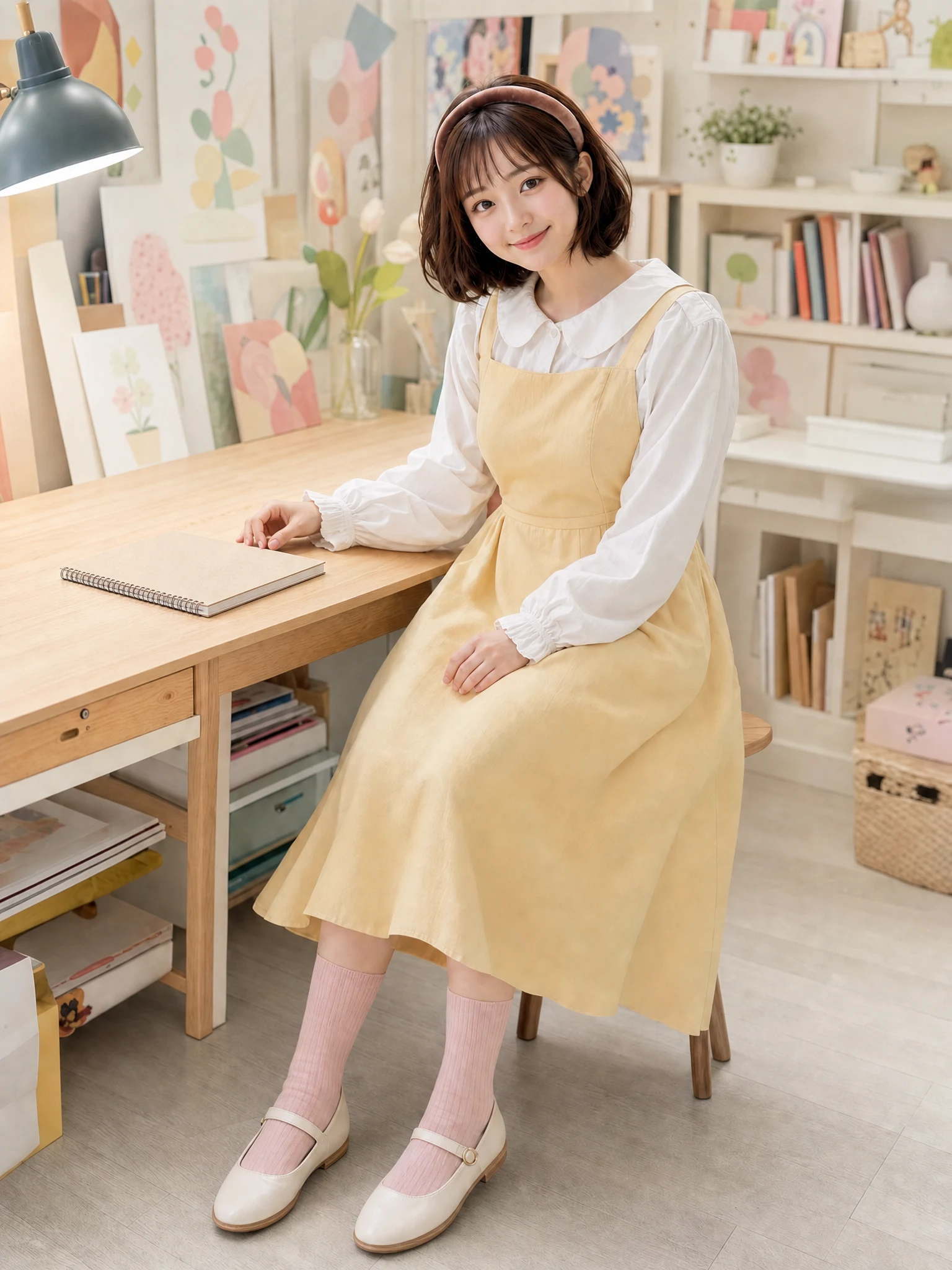
Upload one photo and select whether the desk, wall or wider room needs cleanup.
JPEG, PNG, or WebP up to 20 MB
Choose a cleanup scope, upload the source image and start the AI Object Remover.
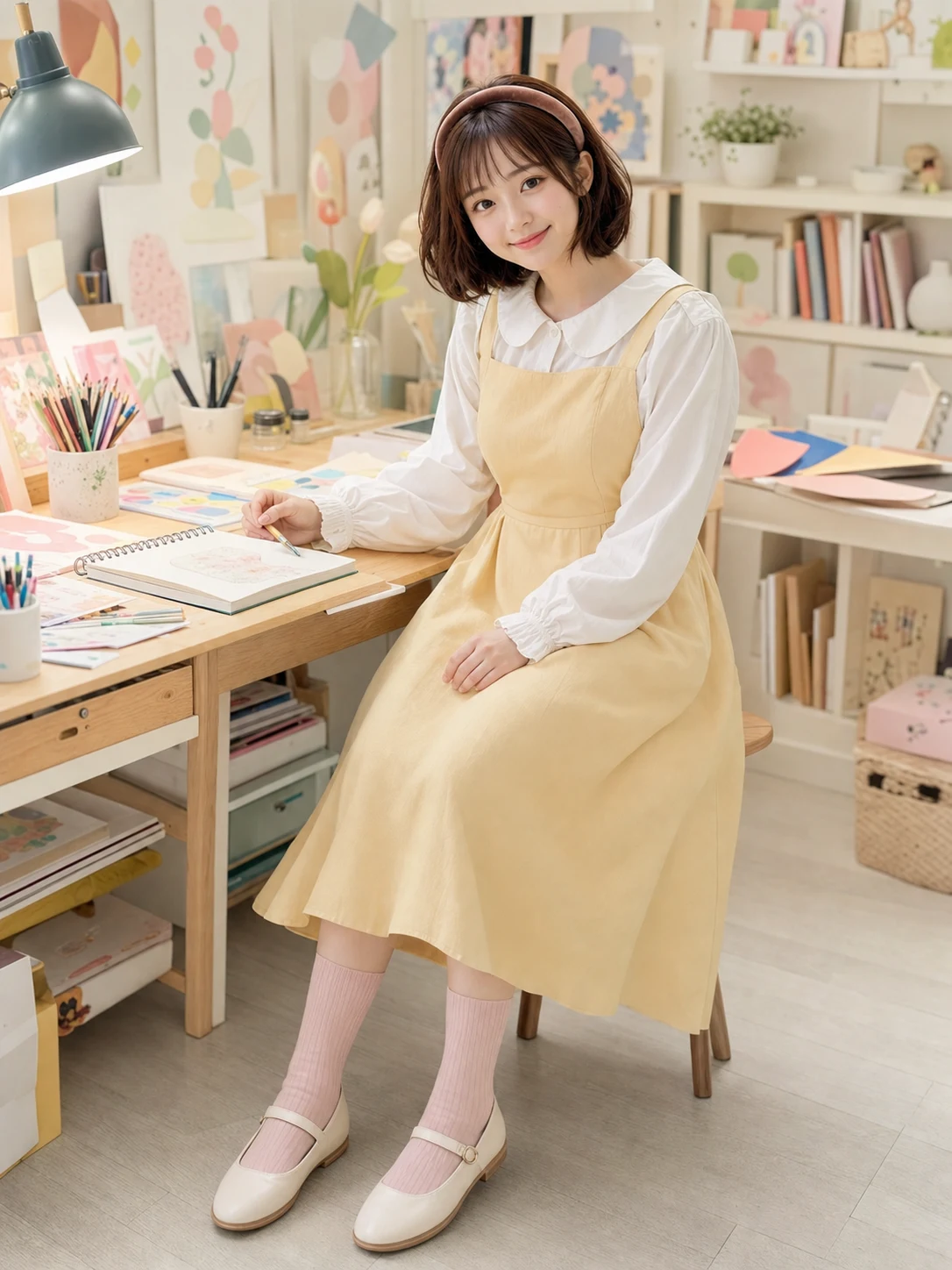 Clean surfaceOriginal clutter
Focused removal
Drag the slider to inspect reconstructed wood, paper edges and shadows. The AI Object Remover should clear selected clutter without flattening the entire room.
Changes only selected distractions
Preserves permanent furniture
Matches texture, light and shadows
Targeted cleanup
Each AI Object Remover example changes a different area, helping you choose a focused edit instead of rewriting the whole photo.
Simple photo workflow
The experience stays visual and focused: upload once, choose a result direction, then generate and download.
01
Choose a well-lit image with the subject fully visible and no heavy filters.
02
Use the visual examples instead of writing a complicated prompt from scratch.
03
Review the finished result, regenerate if needed, and save the version you like.
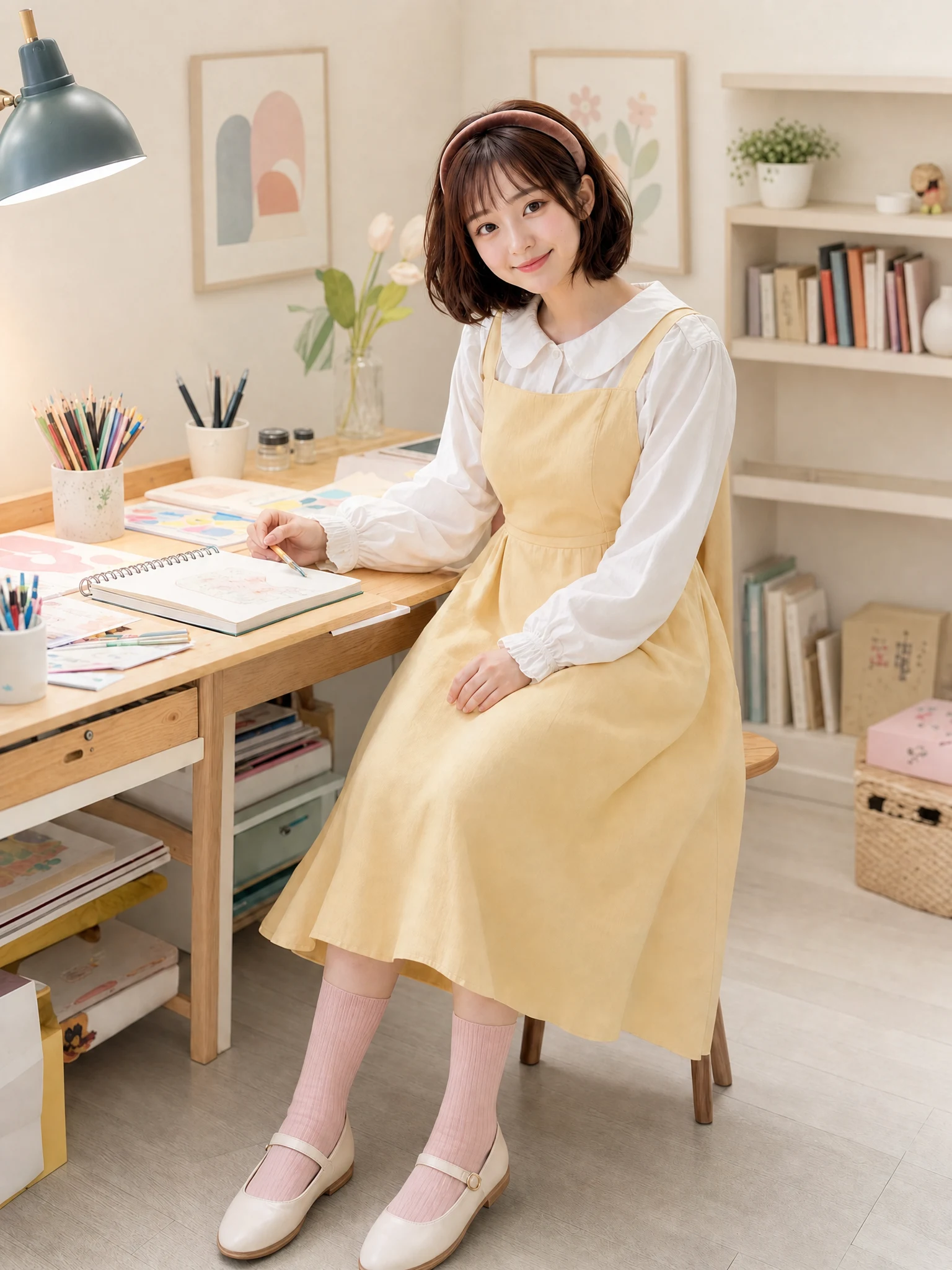
Every detail is organized around a fast, understandable and account-backed creative workflow.
See the intended result before spending credits, with prompts hidden until you actually need them.
Sign-in, task history, credit checks, result tracking and supported failure refunds use the existing secure account flow.
Each workflow is connected to a focused KIE-backed image model instead of a decorative demo button.
Object-removal help
Answers about cleanup scope, overlaps, texture reconstruction, credits and safe uploads.
It is designed for small and medium distractions such as cups, papers, cables, signs, boxes and loose background clutter in personal lifestyle photos.
Choose a cleanup scope, upload one photo and remove everyday distractions while keeping the scene believable.
Try it now